



 Steam
Steam  Windows
  Mac
Mac  Linux
Linux | Release Date | 08.04.2025 |
| Operating Systems | Linux |
| Operating Systems | Mac OS |
| Publisher | Super Rare Originals |
| Operating Systems | Windows |
| Genres | Simulation, Strategy, casual, indie |
12.99€
Added to Cart
12.99€
Added to Wishlist
12.99€
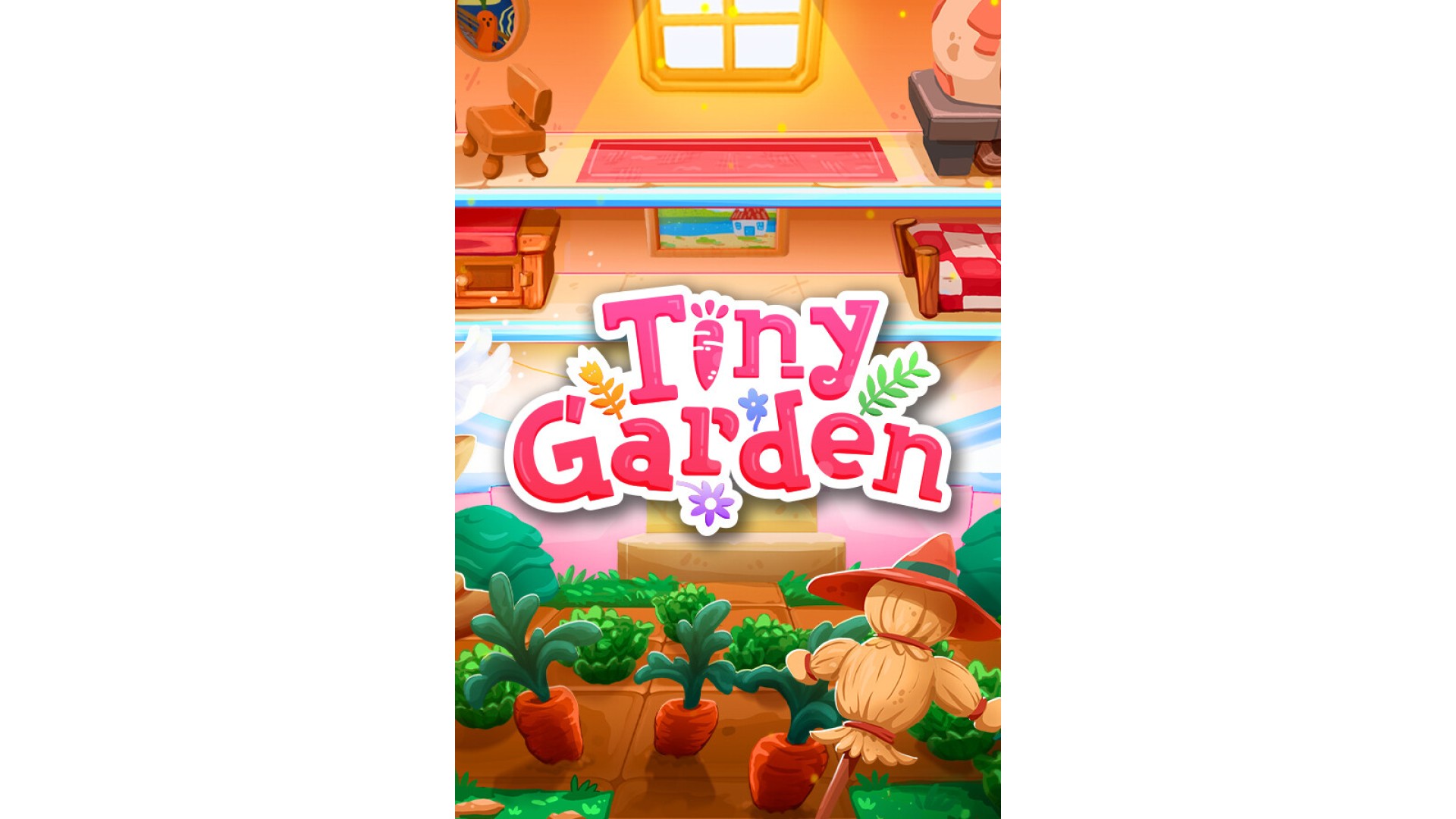
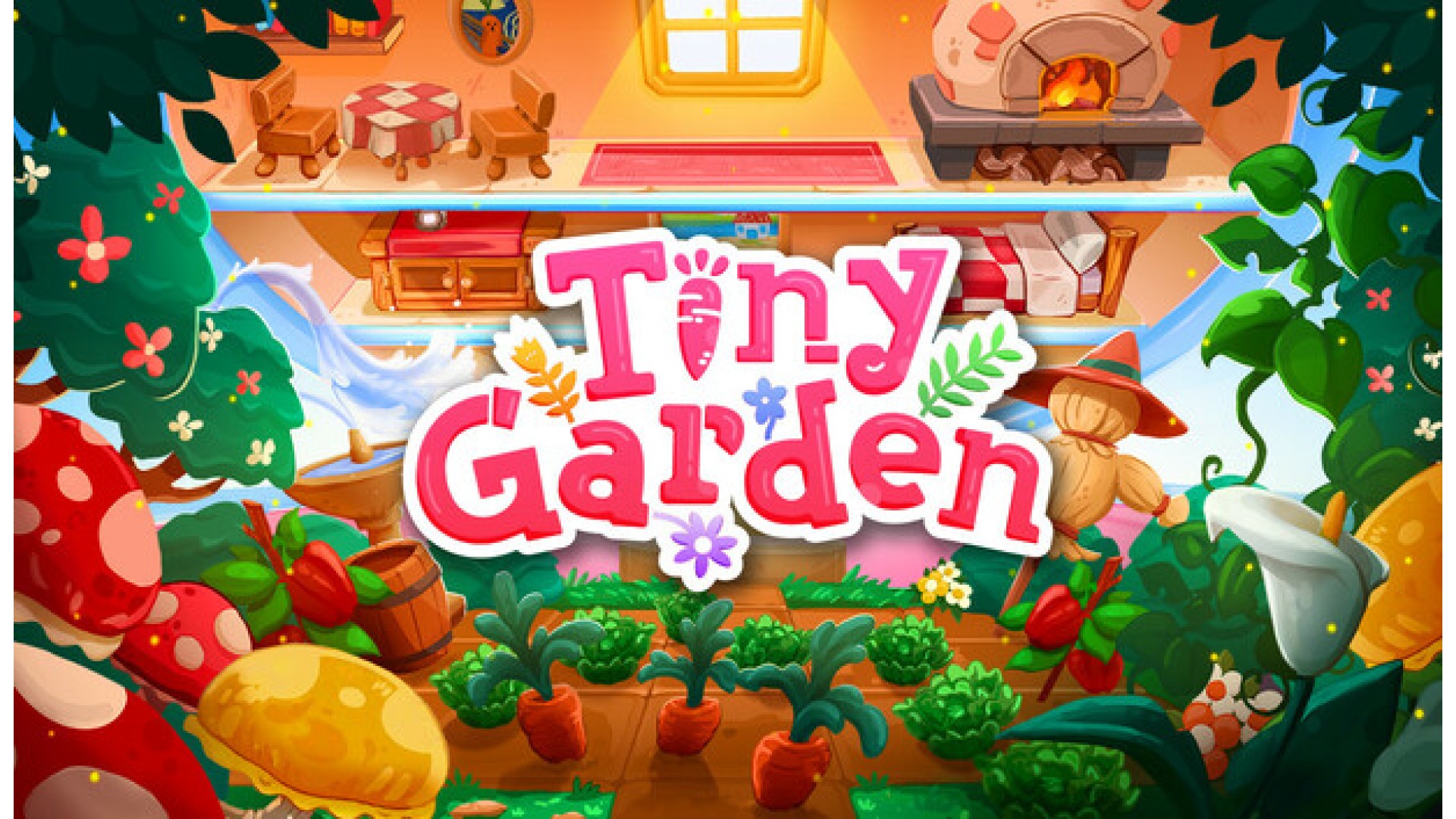
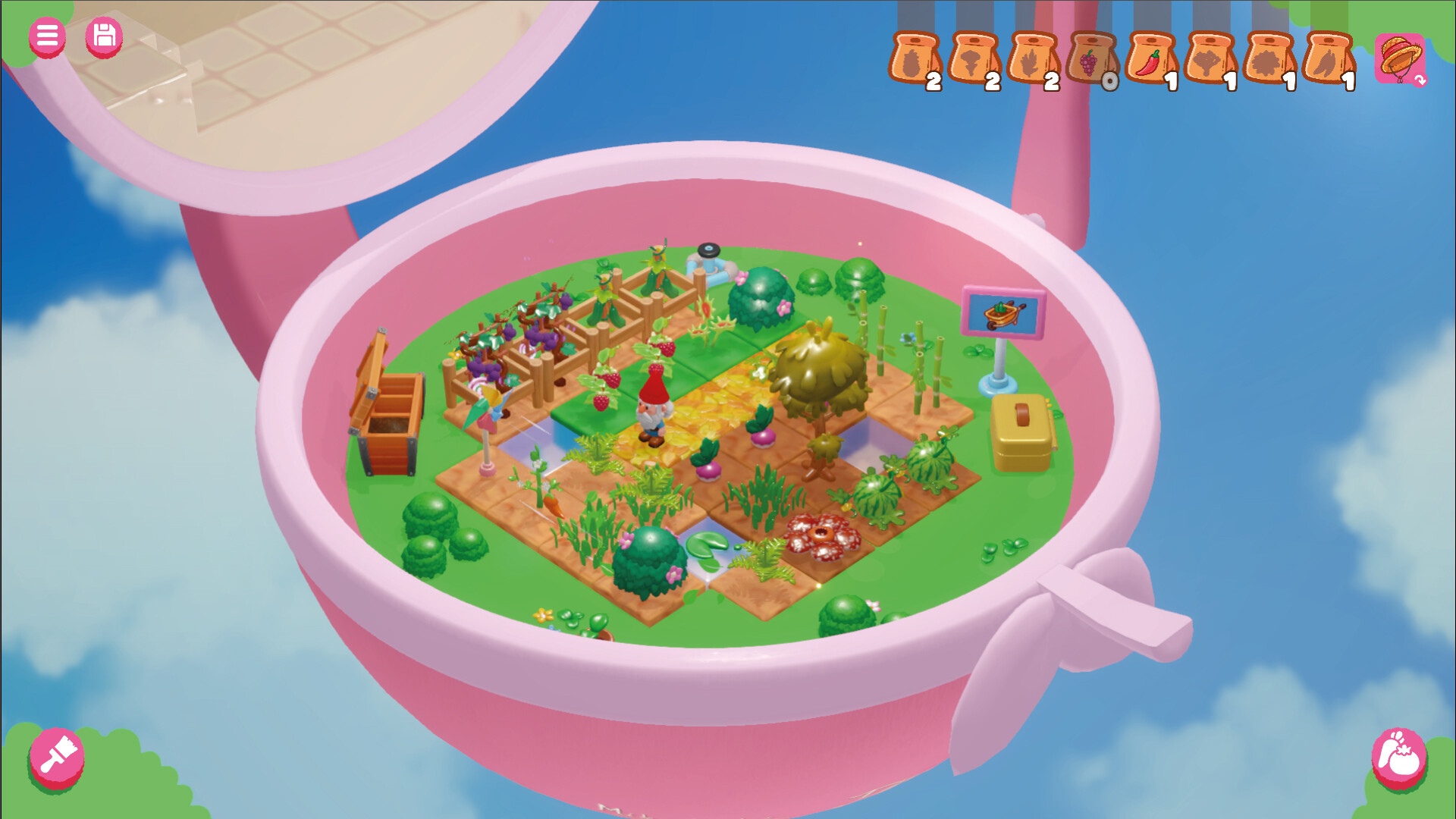
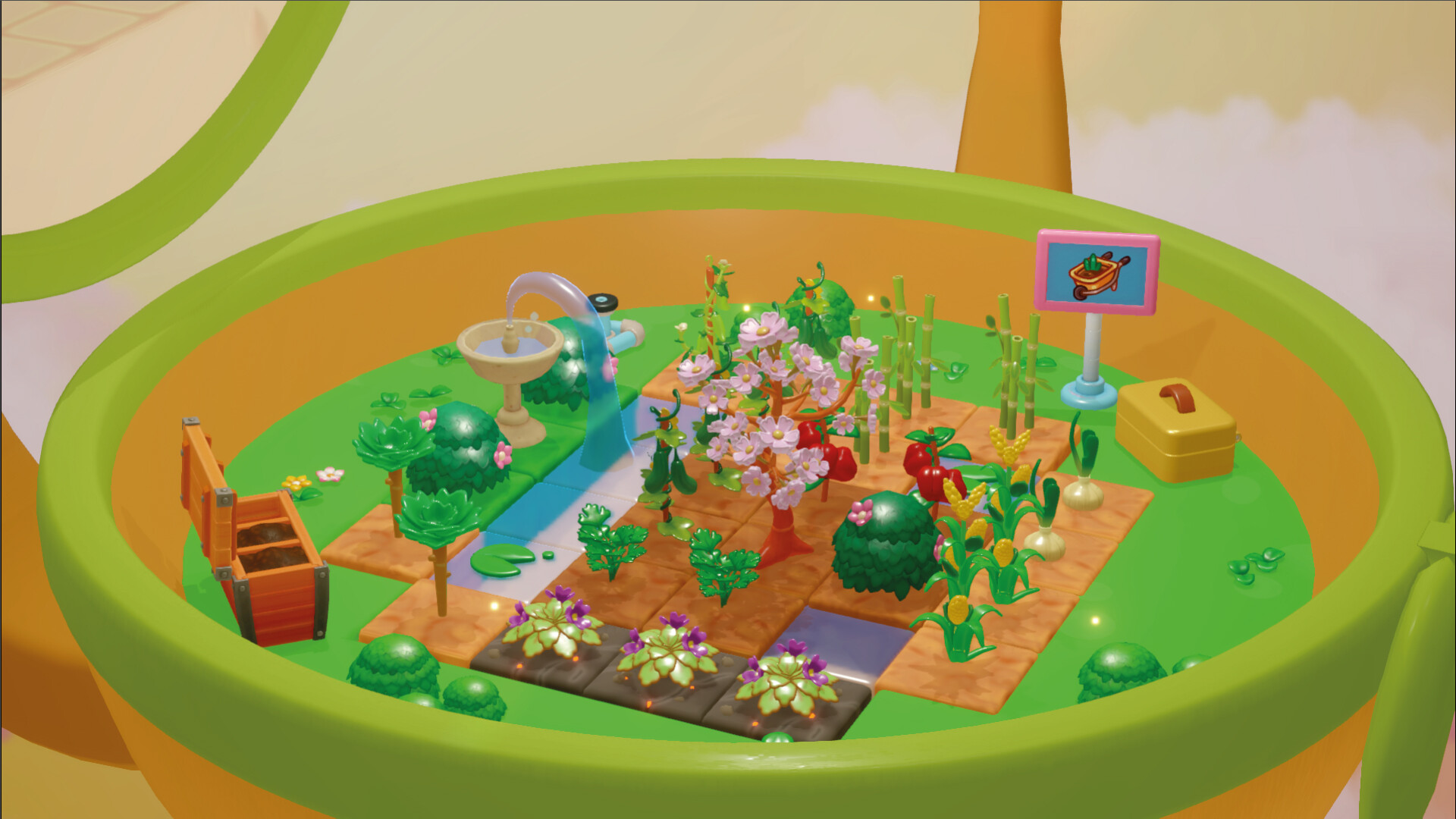
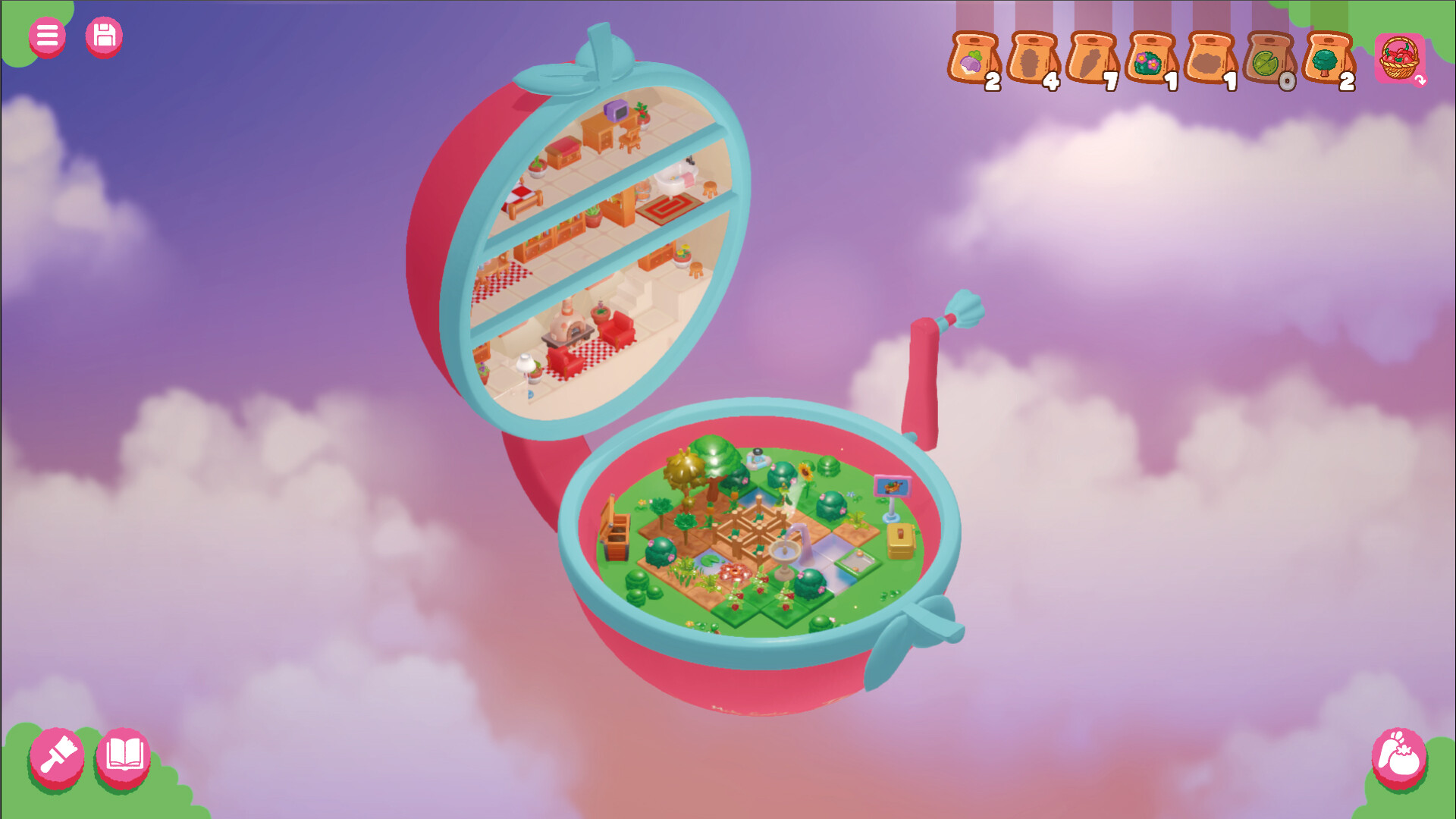
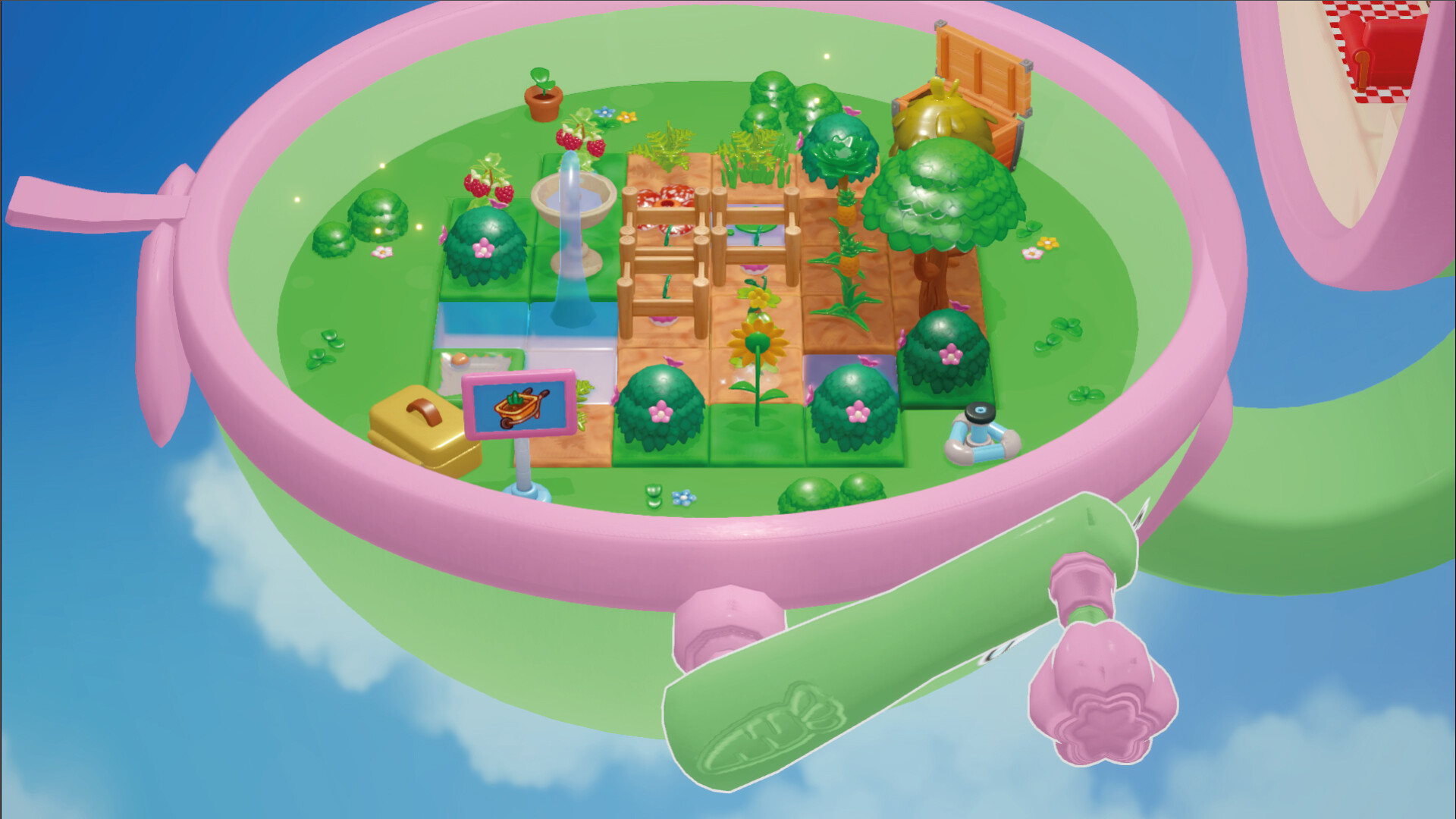
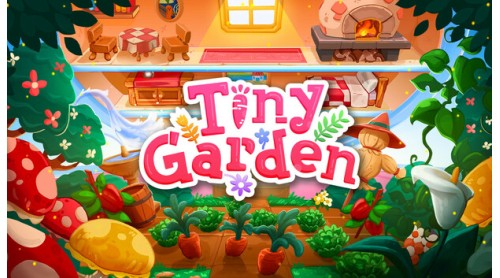
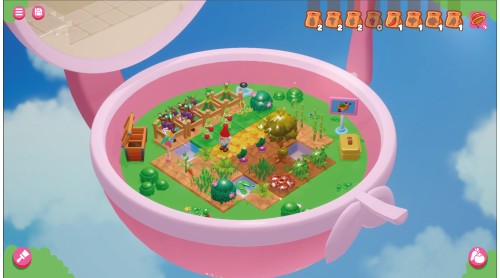
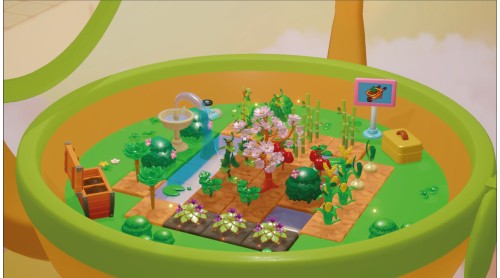
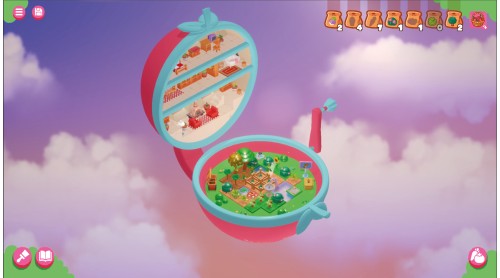
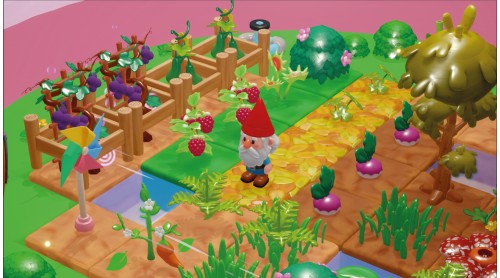
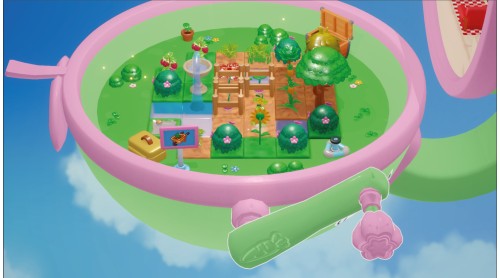
Tiny Garden lets you cultivate a pocket-sized garden inside a magical toy passed down through generations. Grow a variety of plants, trade them for unique furniture, and customize your garden in this calming mix of farming, puzzle-solving, and strategy. With no scores or time limits, it’s all about relaxing, experimenting, and letting your creativity bloom!
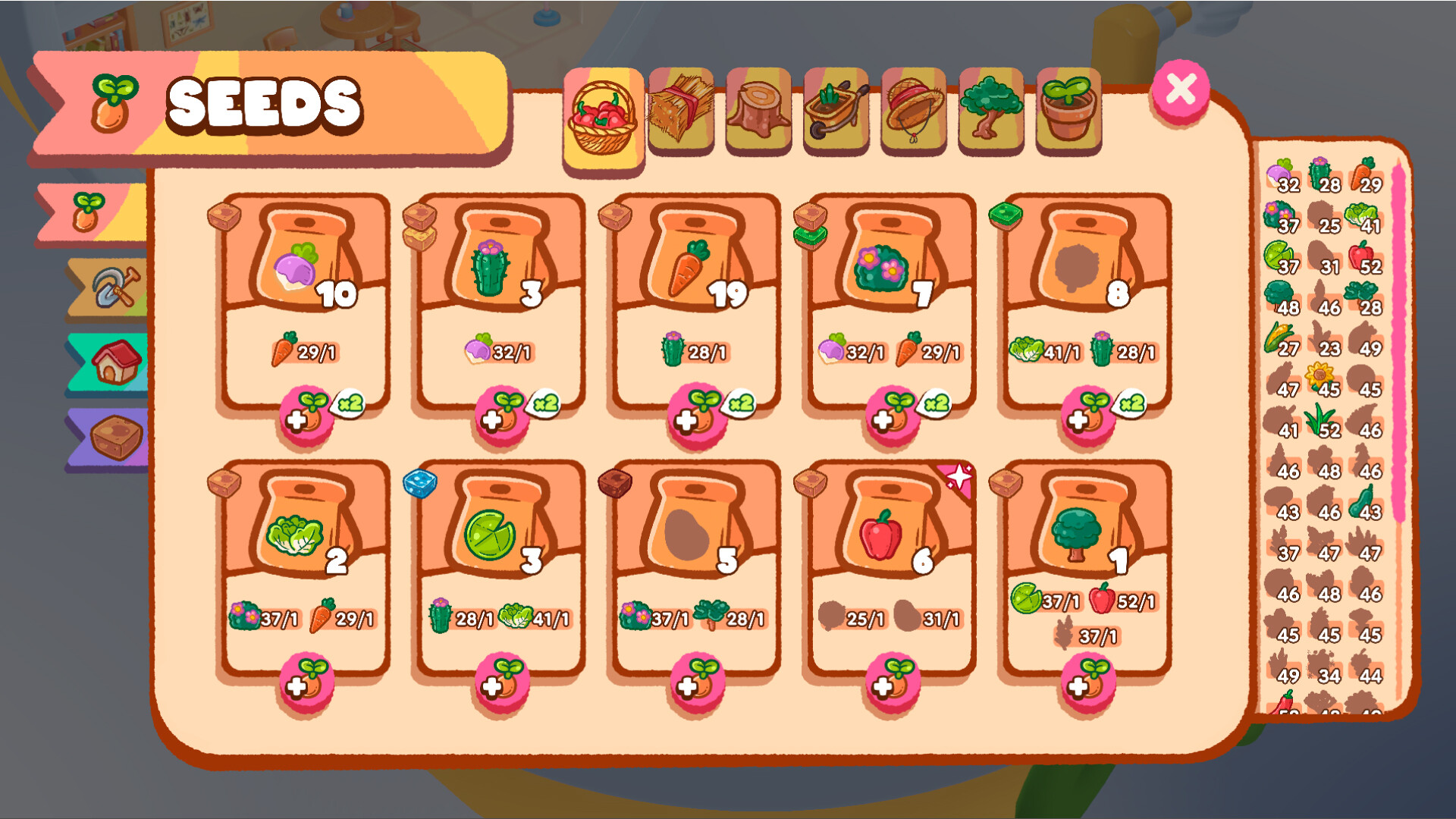
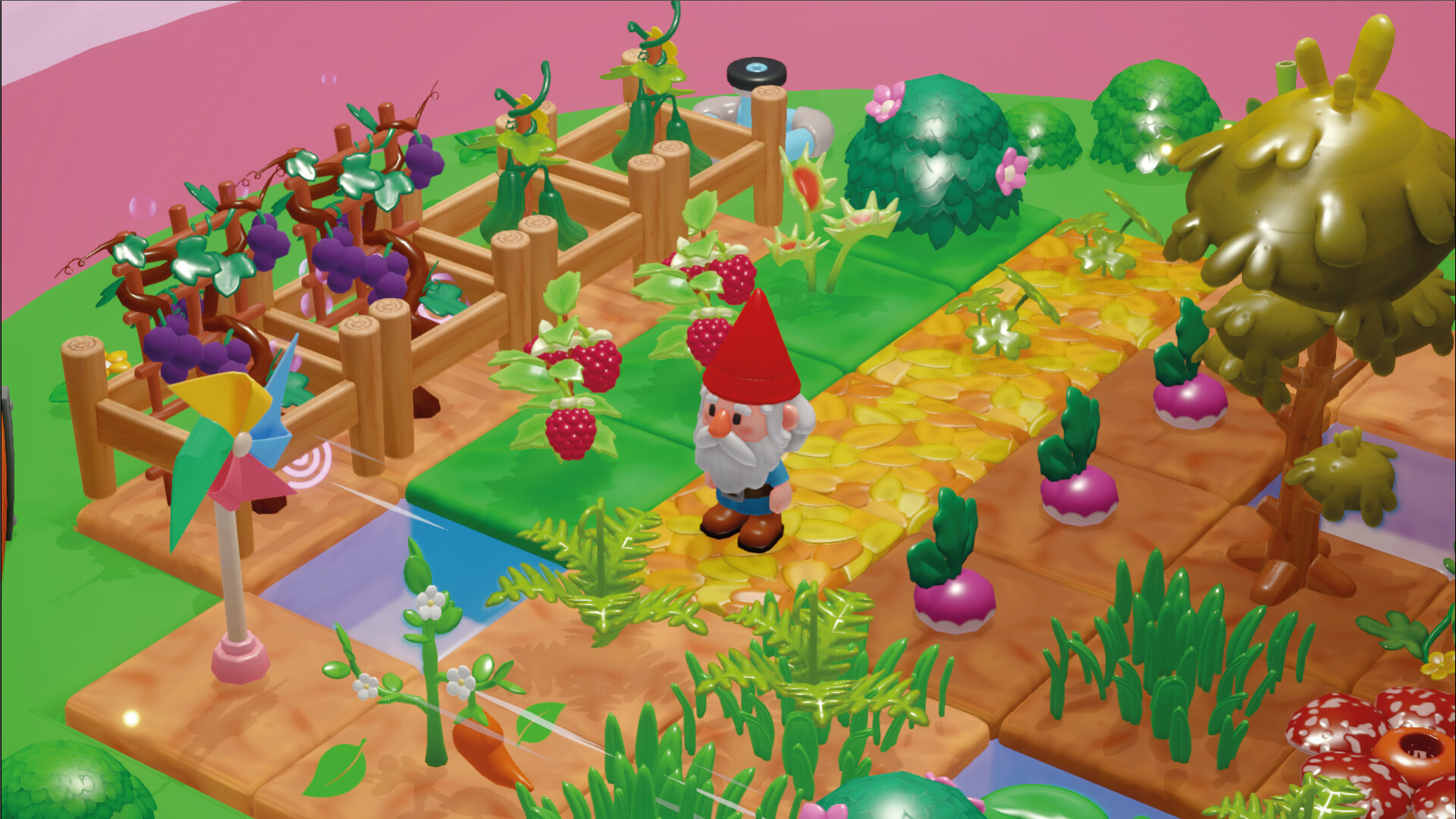
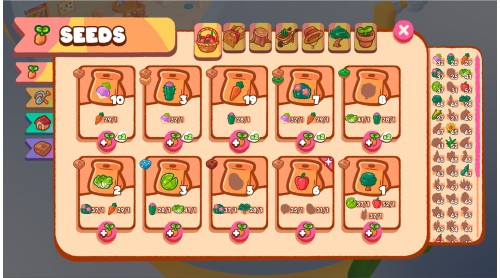
Tiny Garden is a soothing, stress-free mix of farming, puzzles, and discovery - all inside a charming toy. Grow a variety of plants, from colourful vegetables to whimsical flowers, each with its own unique mechanics waiting to be uncovered. As your garden flourishes, trade your harvests for fun, toy furniture, and design your very own magical space.
With no scores, no time limits, and no game-overs, Tiny Garden is all about relaxation and creativity. The more you explore, the more you’ll discover.
Before you got your hands on Tiny Garden, others have played with this toy. Through letters, you'll uncover a heartfelt story that reminds us that objects aren’t just things - they hold the traces of lives lived and stories shared. Each new discovery offers more than just a piece of furniture or a plant - it’s a glimpse into a deeper connection.
Tiny Garden invites you to turn the crank, make things happen, and enjoy a wholesome but thoughtful experience. Each turn should be carefully considered - each decision and each new plant can reveal hidden surprises or unlock the next step in your garden’s evolution. There are no wrong choices here - just a relaxing journey where you can unwind, explore, and create without pressure.
Let your creativity bloom in Tiny Garden, where the only limit is your imagination.
Tiny Garden © Developed by Ao Norte. Published by Super Rare Games. All rights reserved.


How to activate your Steam key?
1. Open your Steam client. (If you don't have a Steam Client, you can install from here https://store.steampowered.com/about/)
2. Sign in to your Steam account. (If you don't have a Steam Account, you can create from here https://store.steampowered.com/join/)
3. Click “ADD A GAME” button which is at the bottom of the Steam Client.
4. Now select "Activate a product on Steam..."
5. Write or copy-paste your Steam key which you purchased from Gamesforpc.
6. Now your game is in your library.
7. Find your game in your library, select and click install to start your download.