




 Steam
Steam  Windows
  Mac
Mac  Linux
Linux | Release Date | 15.04.2019 |
| Operating Systems | Linux |
| Operating Systems | Mac OS |
| Publisher | Flazm |
| Operating Systems | Windows |
| Genres | Simulation, Strategy, Adventure, casual, indie |
12.49€
1.87€
Added to Cart
12.49€
1.87€
Added to Wishlist
12.49€
1.87€
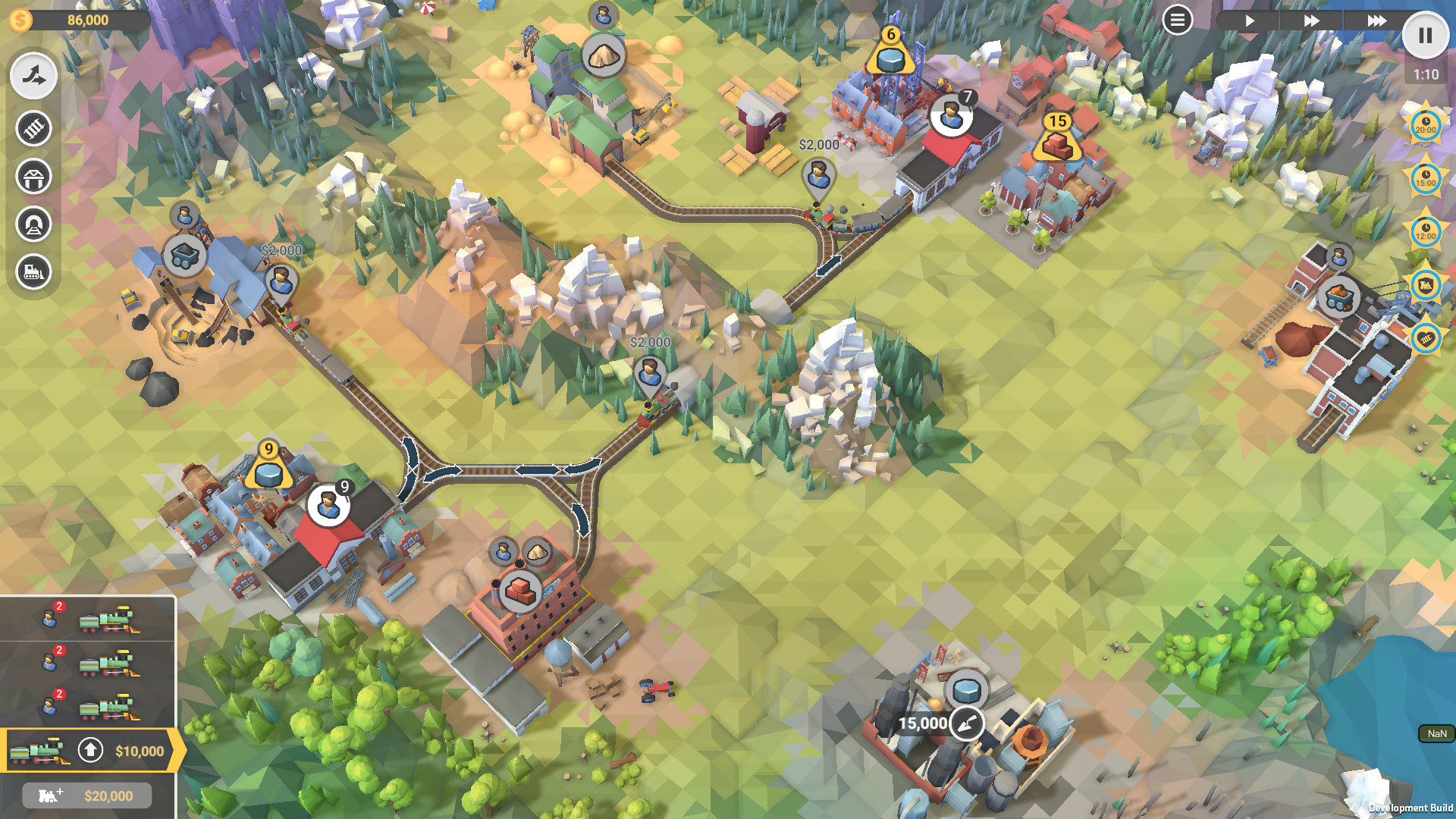
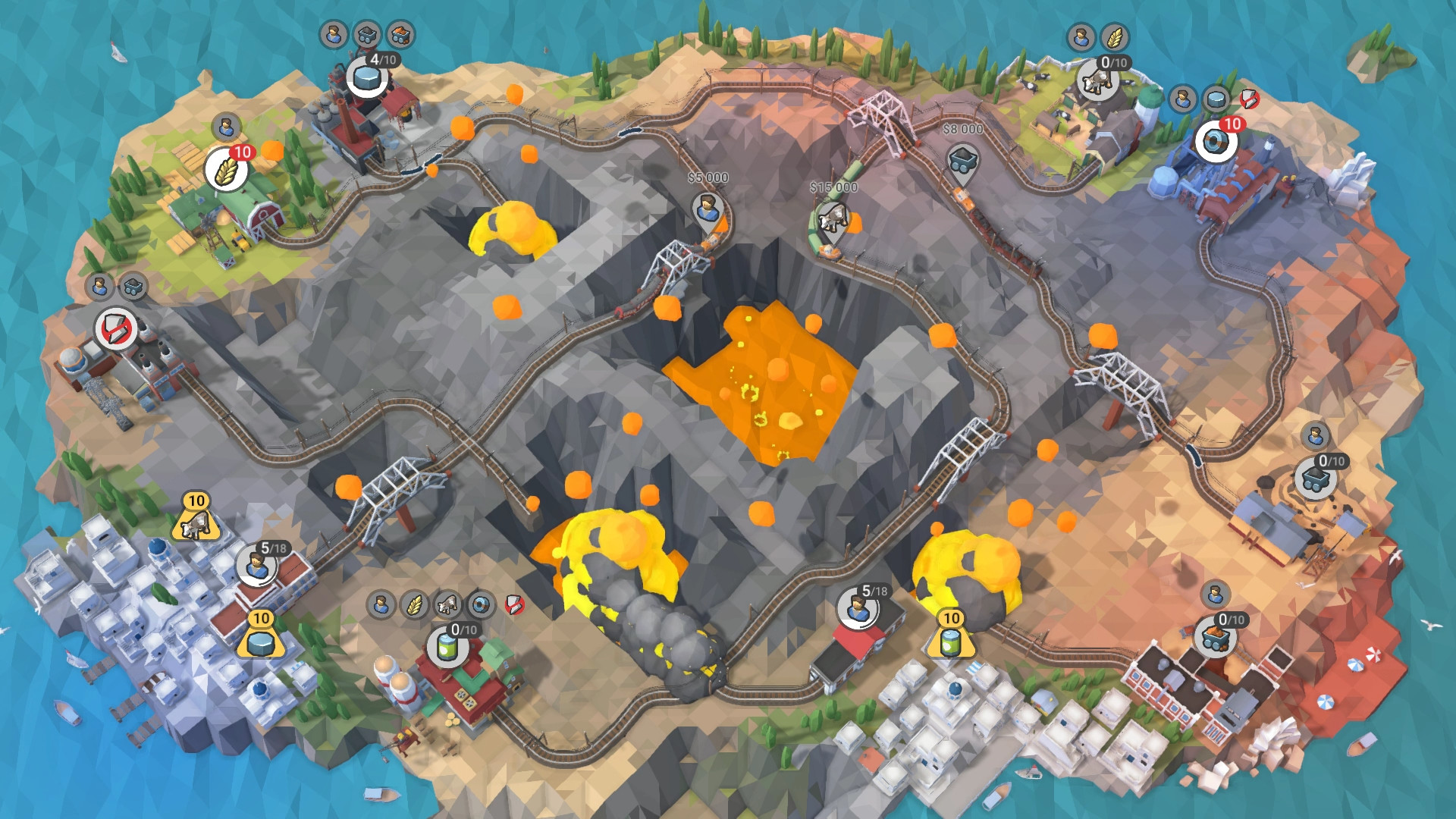
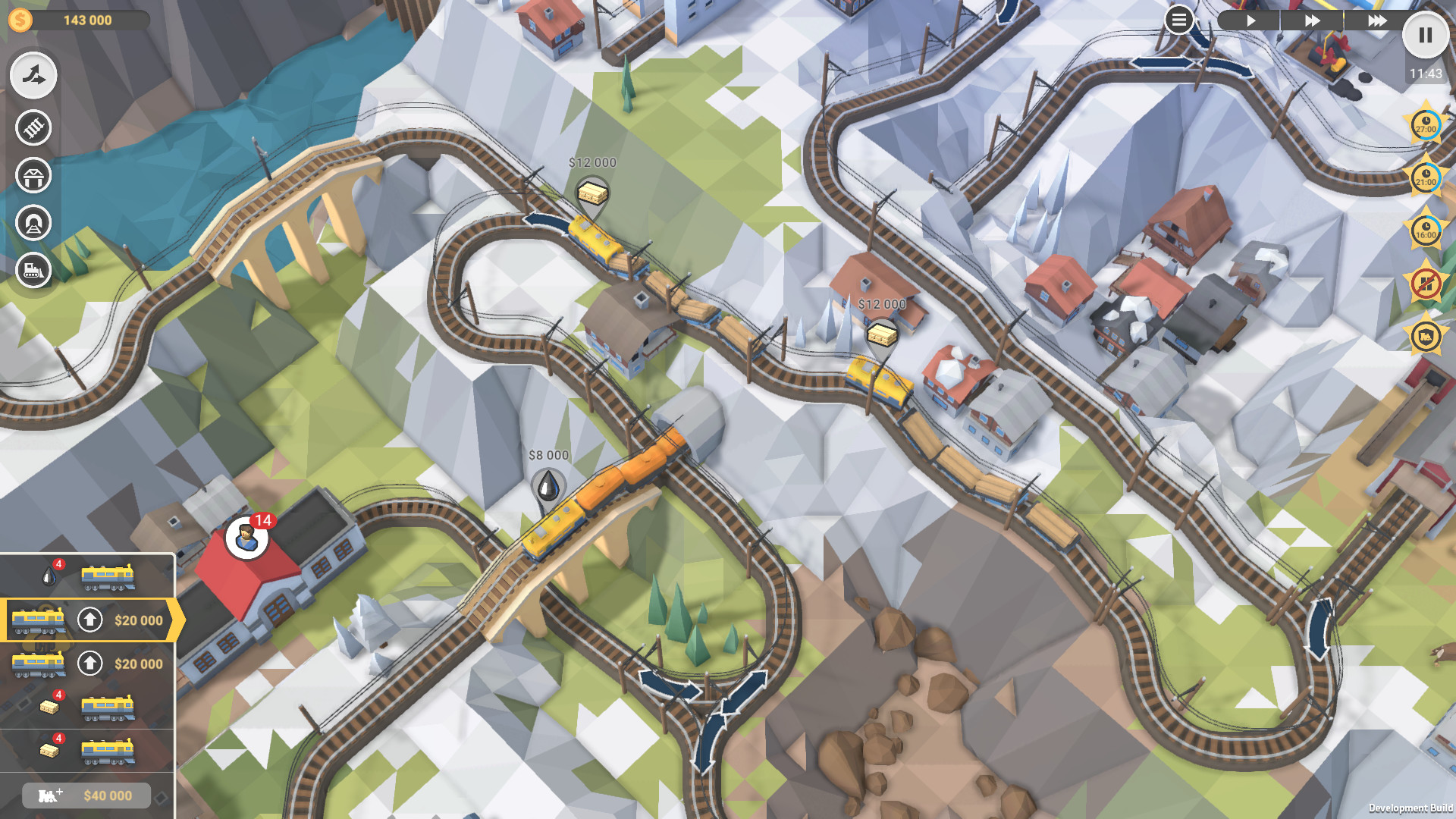
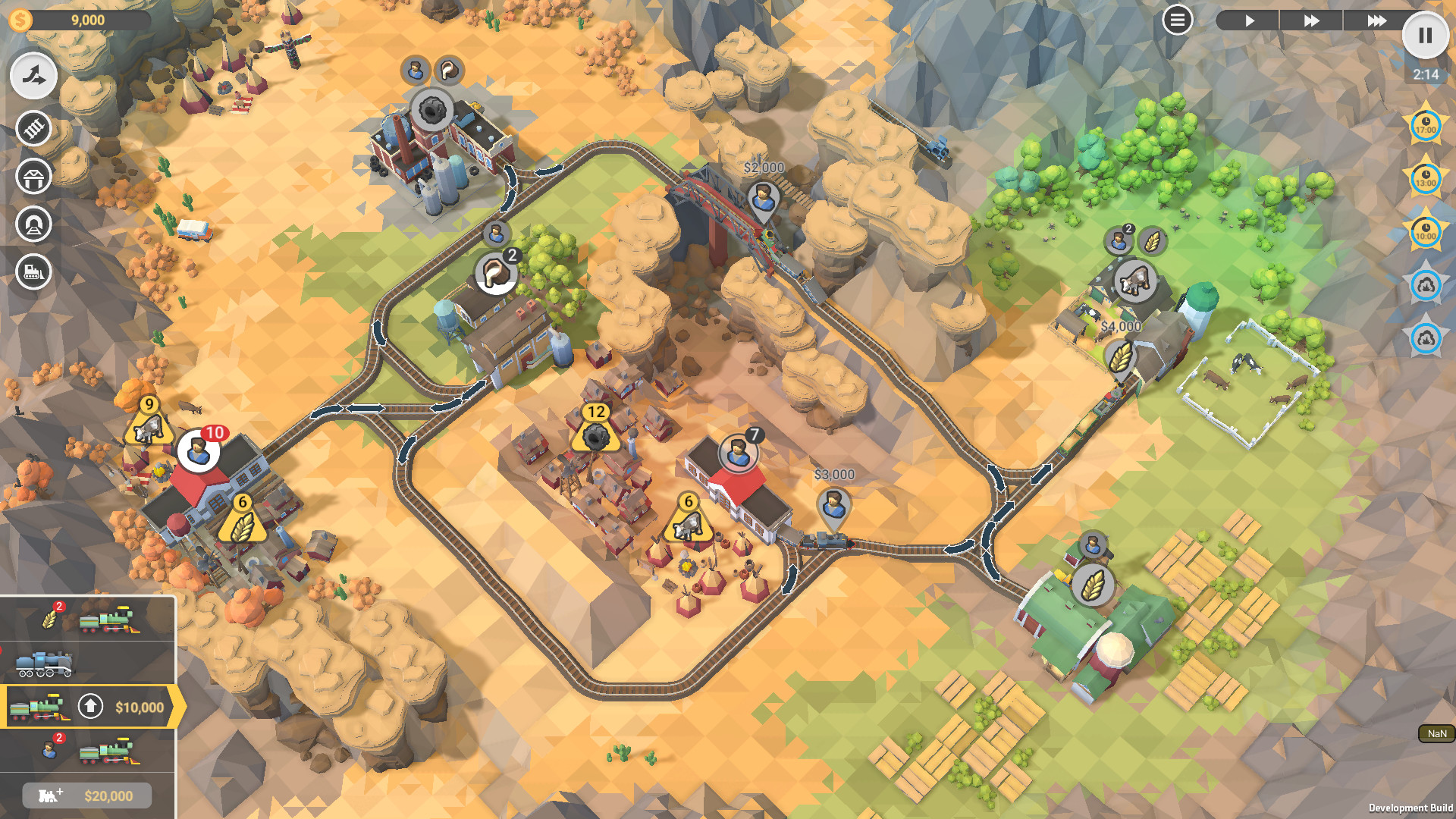
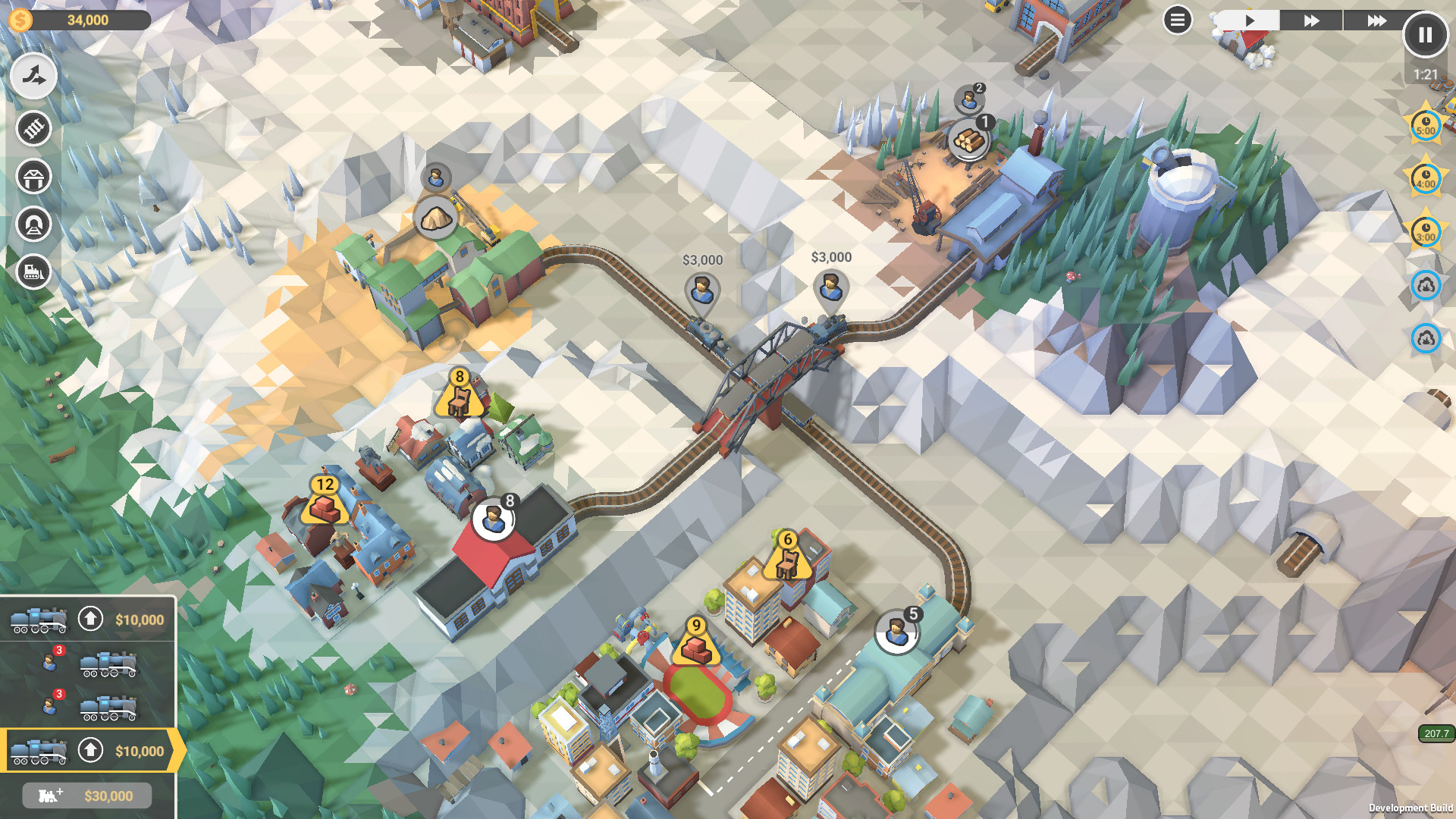
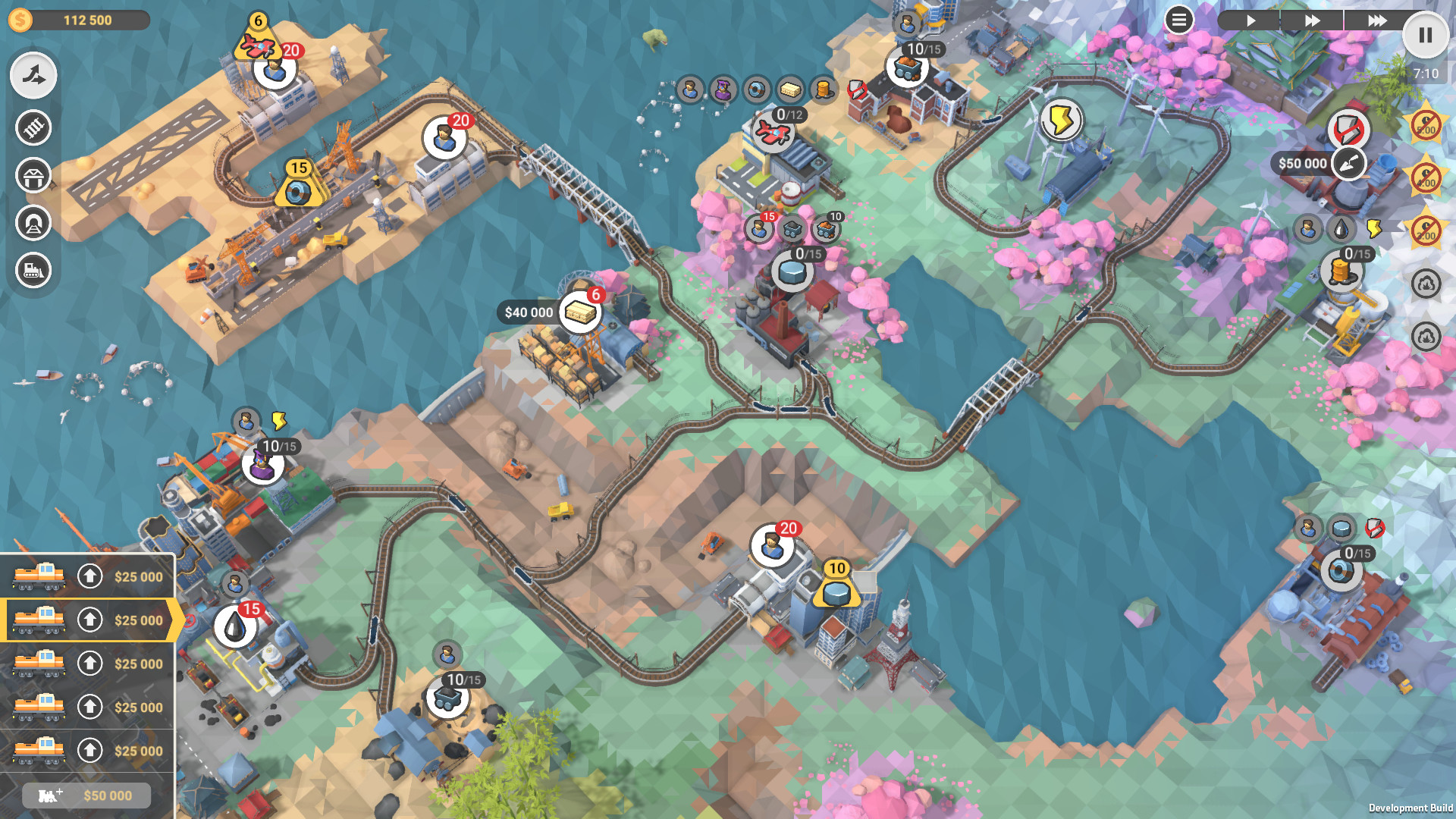
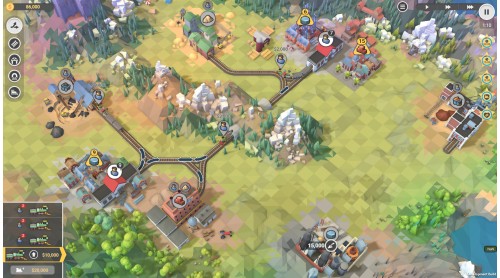
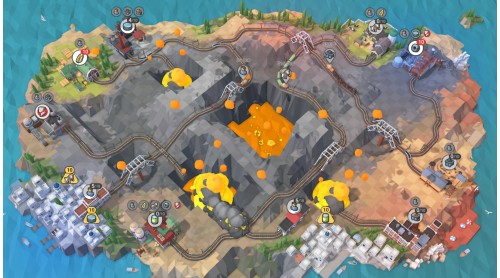
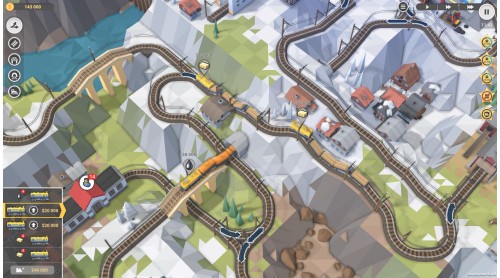
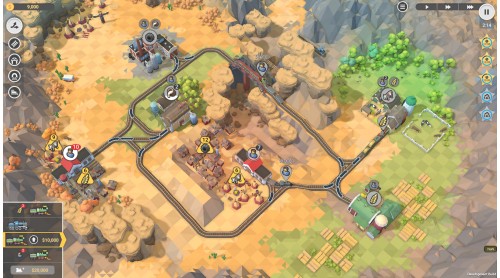
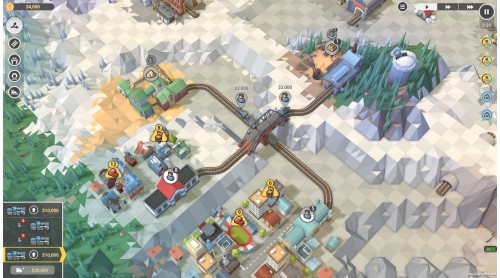
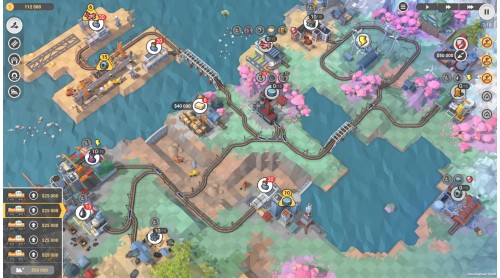
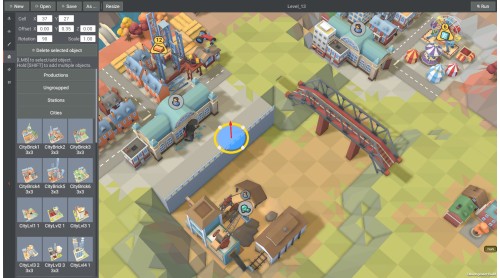
Train Valley 2 is a train tycoon puzzle game. Take your railroad company from the days of the Industrial Revolution and into the future, meeting the needs of the valley's cities and industries. Build railroads, upgrade your locomotives, and keep everything on schedule without delays or accidents.
So if you’ve ever wanted to solve complex logistics problems, fancied yourself as a bit of a train mogul, or you just love solving puzzles - there is a lot for players both new and old. Even if you’ve never played the original, there’s a lot to do in Train Valley 2!
Don’t forget to check out the Passenger Flow DLC - which brings bigger and even more complex challenges to the Valley, taking inspiration from both Train Valley 1 & 2, to give you some of the most difficult puzzles in the series to-date.


How to activate your Steam key?
1. Open your Steam client. (If you don't have a Steam Client, you can install from here https://store.steampowered.com/about/)
2. Sign in to your Steam account. (If you don't have a Steam Account, you can create from here https://store.steampowered.com/join/)
3. Click “ADD A GAME” button which is at the bottom of the Steam Client.
4. Now select "Activate a product on Steam..."
5. Write or copy-paste your Steam key which you purchased from Gamesforpc.
6. Now your game is in your library.
7. Find your game in your library, select and click install to start your download.