Build railroads in order to connect cities, tunnels and bridges. New railways are cheap when laid across bare fields, but can be expensive when demolishing forests, villages and other existing structu..
This product will activate in the region of purchase.
Added to Cart
Train Valley
9.99€
Added to Wishlist
Train Valley
9.99€
Description
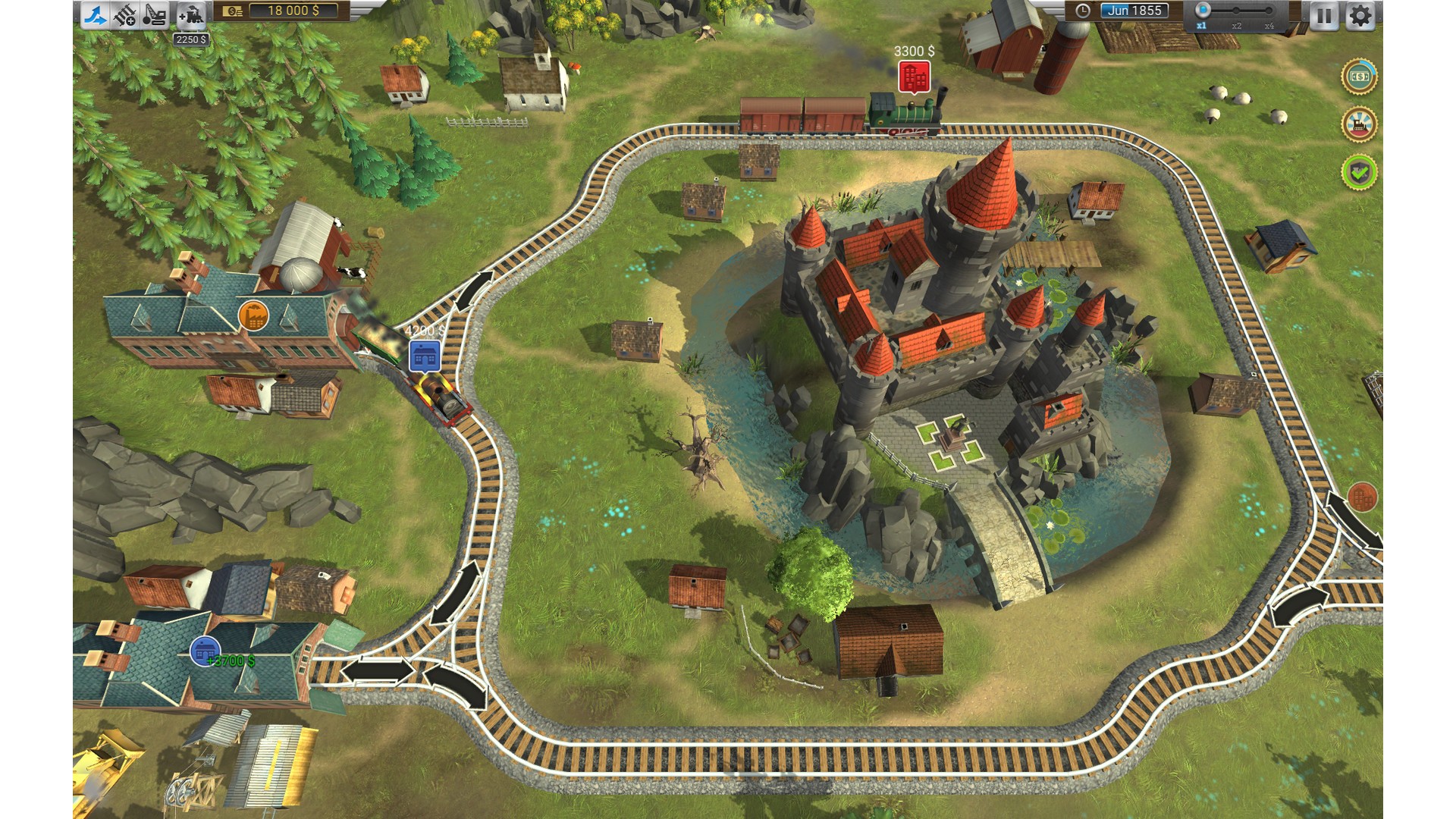
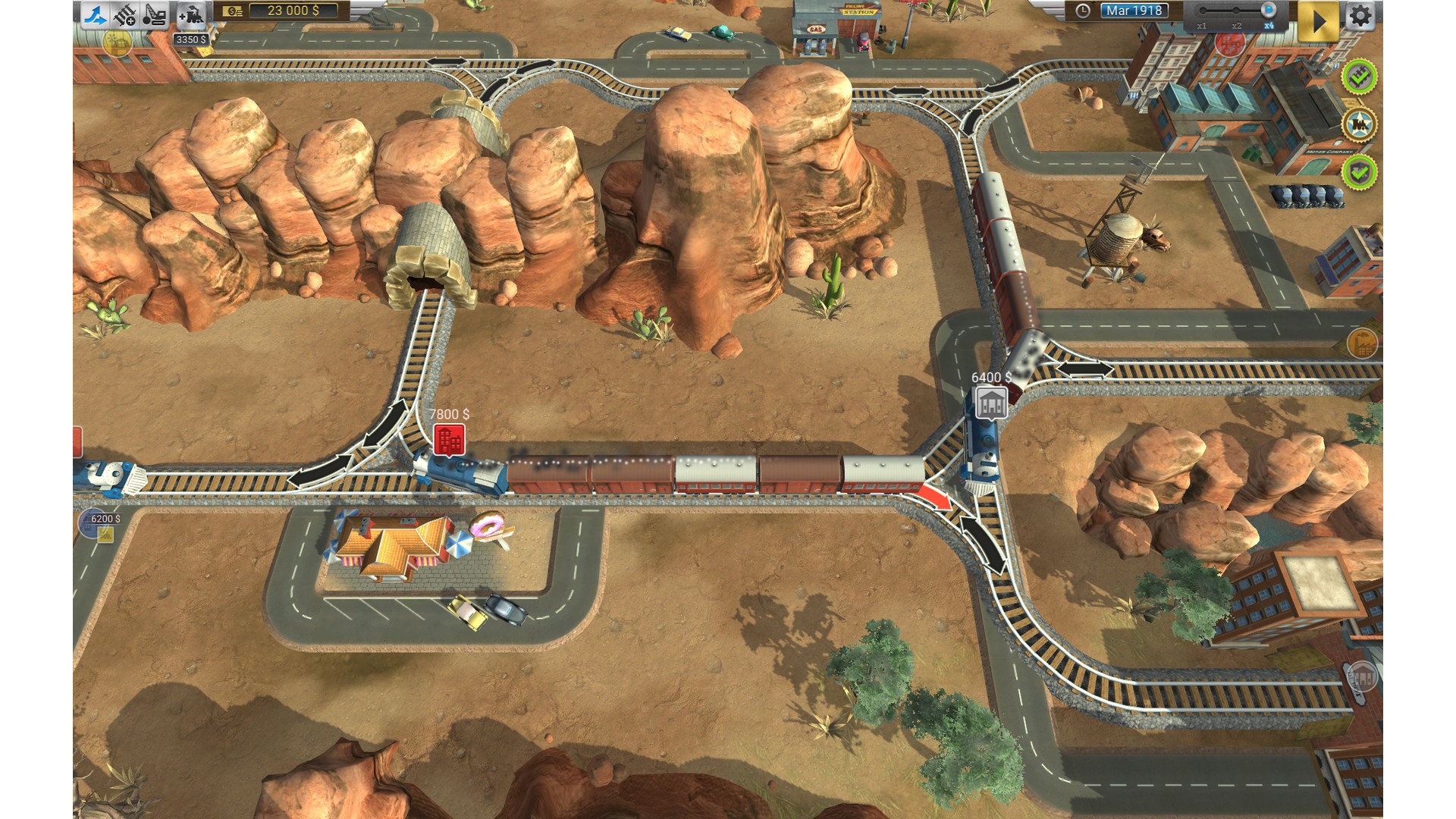
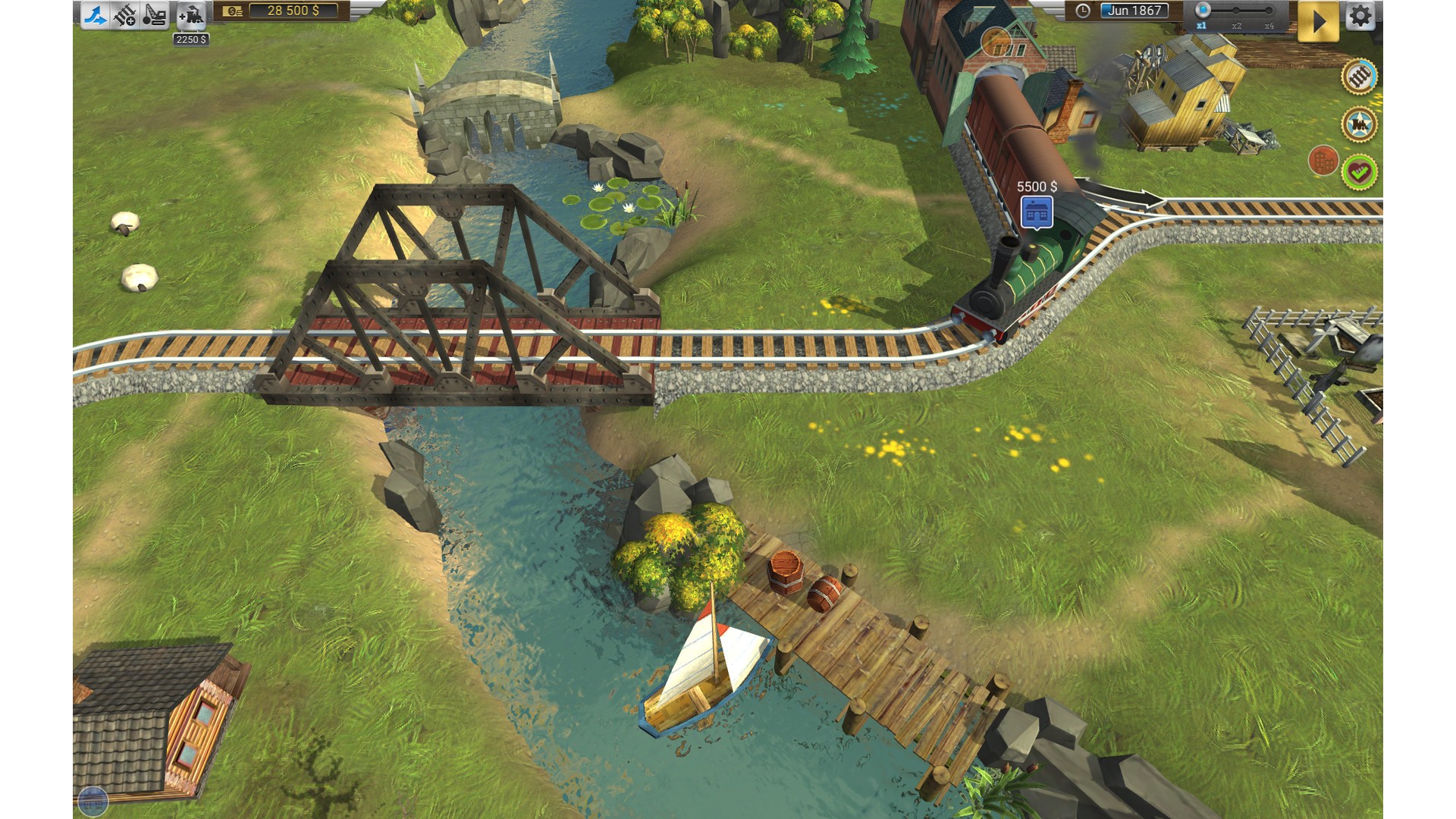
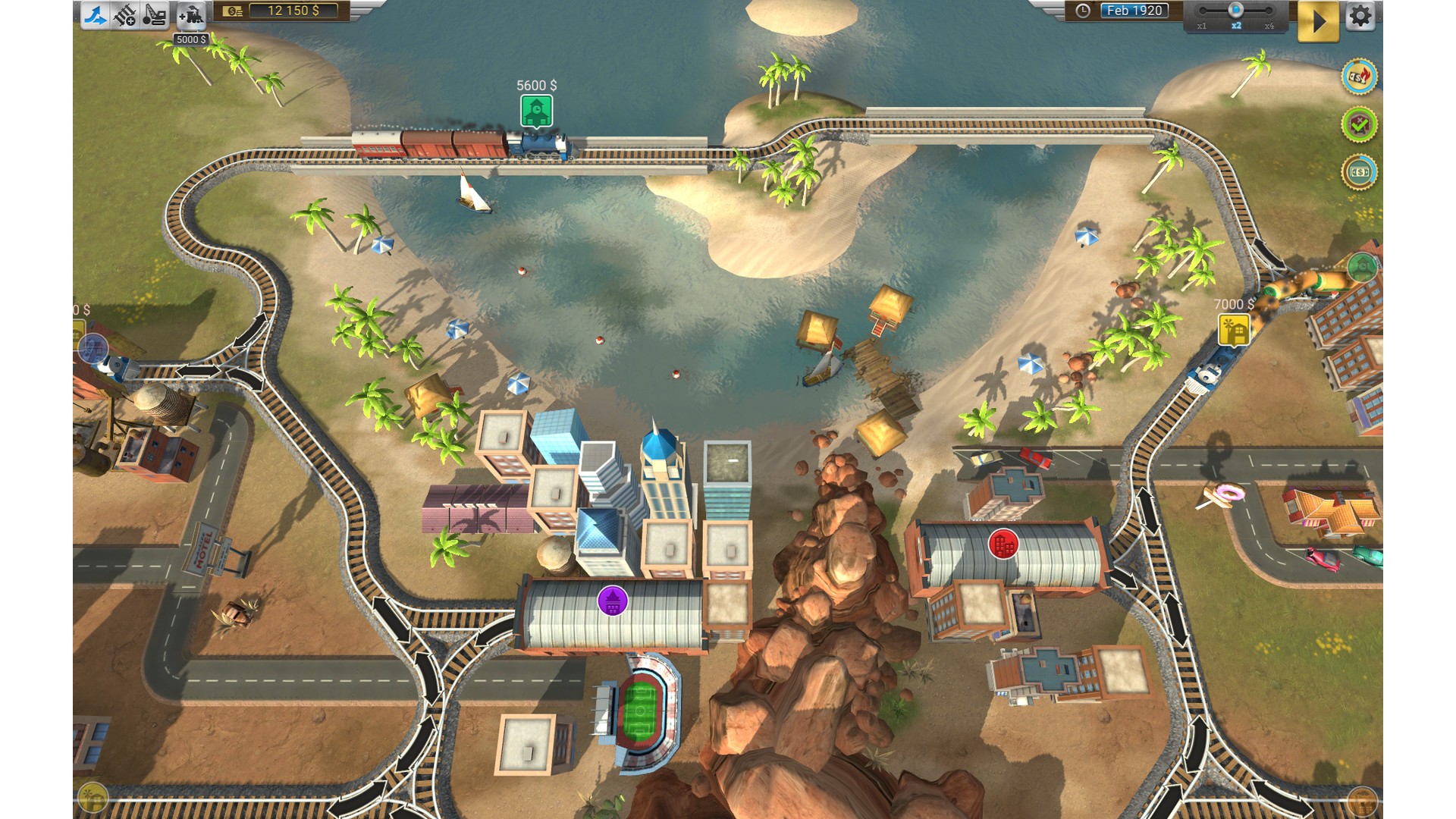
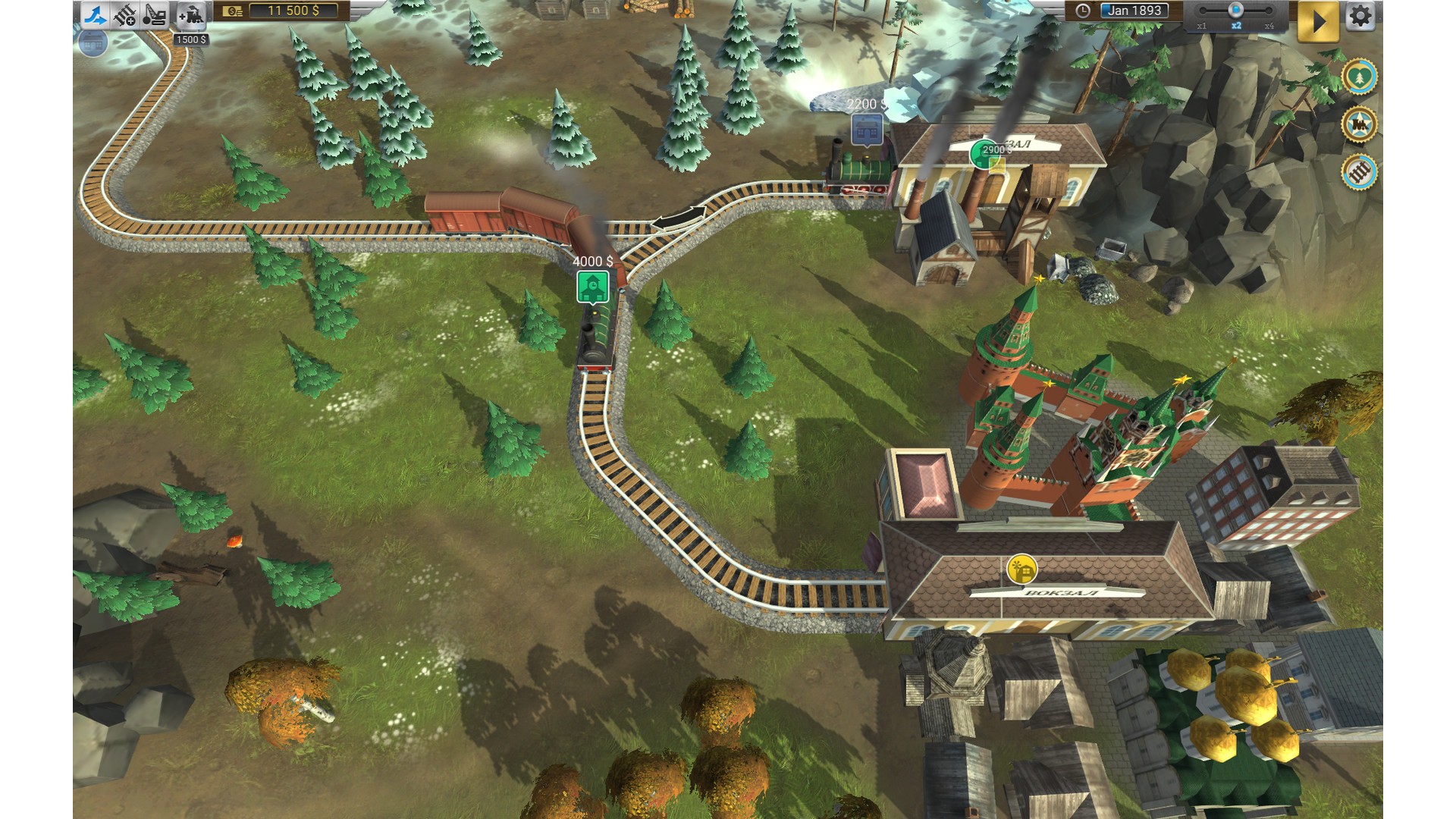
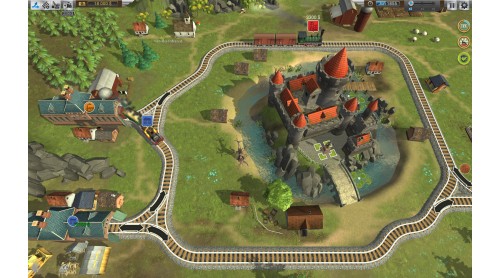
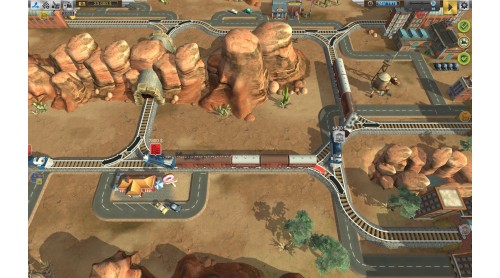
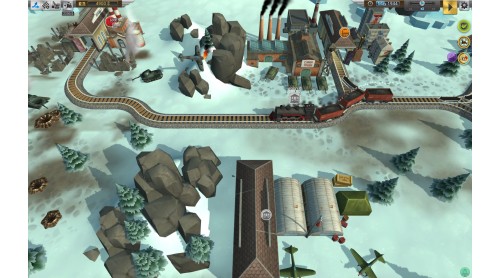
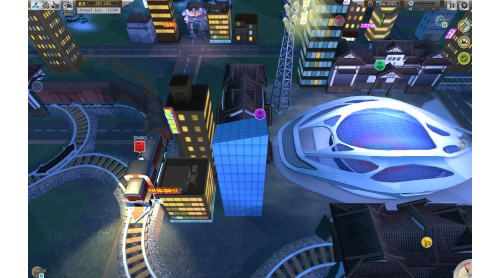
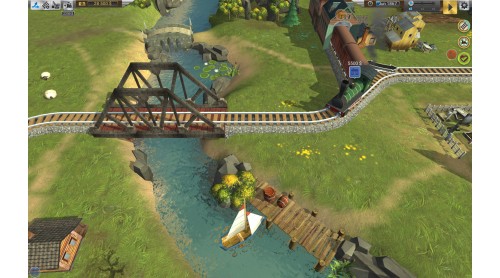
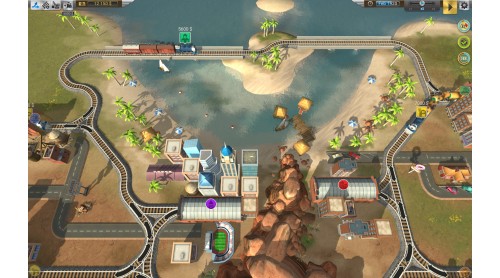
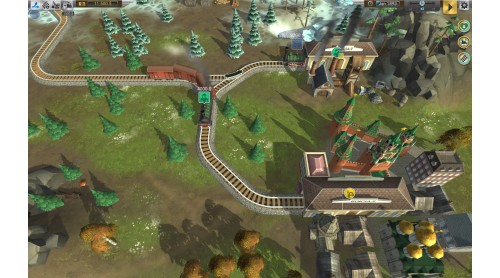
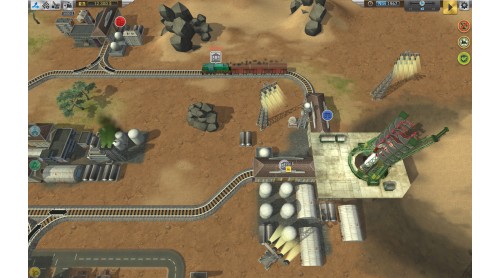
Build railroads in order to connect cities, tunnels and bridges. New railways are cheap when laid across bare fields, but can be expensive when demolishing forests, villages and other existing structures.
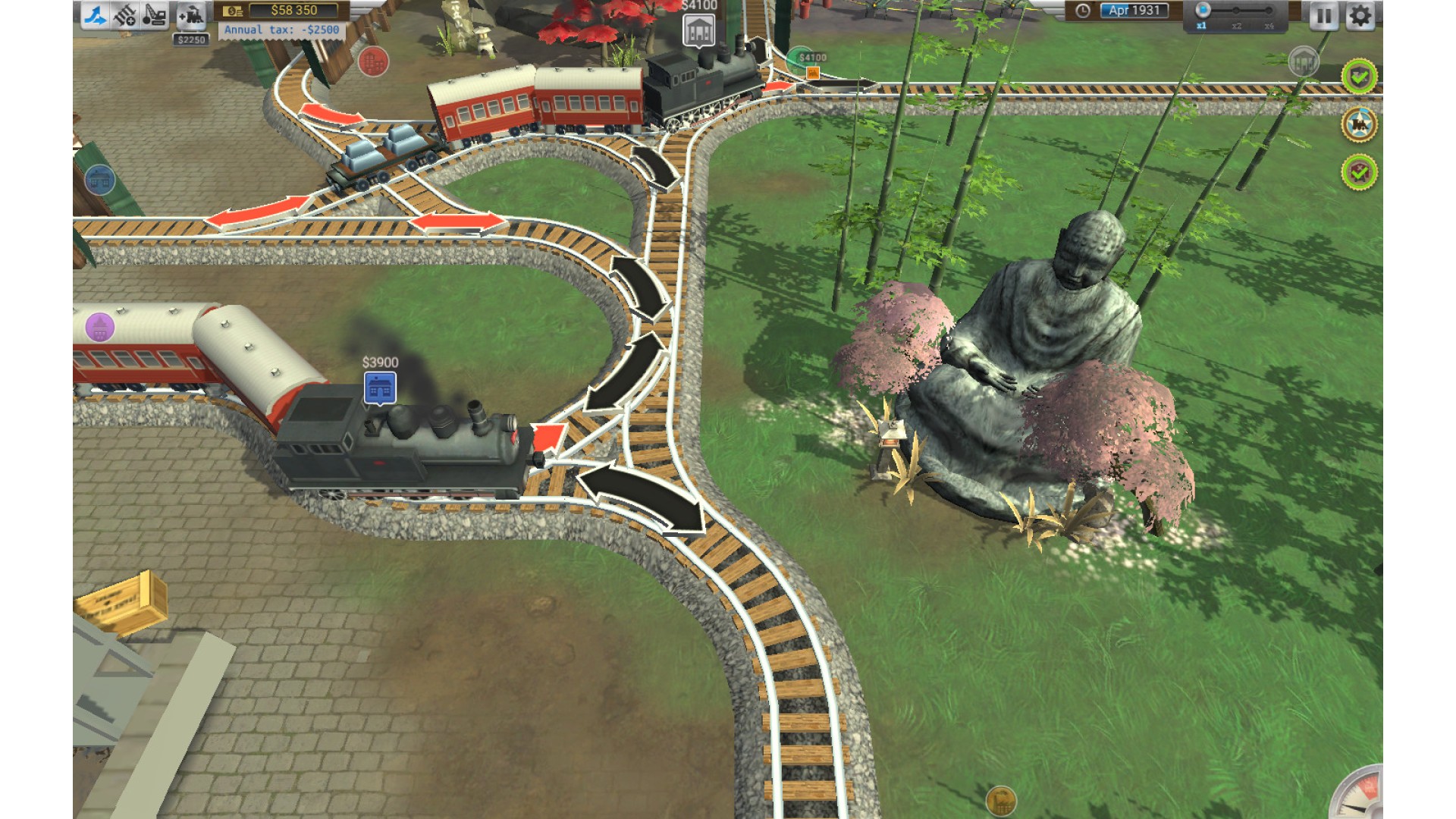
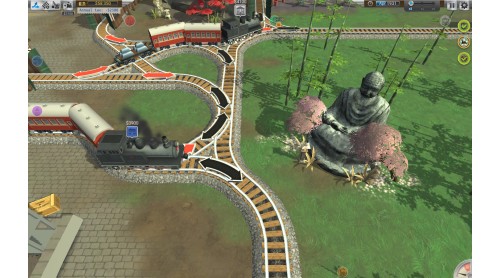
Manage increasing traffic by constructing, switches, sidings and spurs so that multiple trains can run without delays, at the same time.
Stay accident-free by precisely controlling trains during crucial moments, using pause for planning (you can build railways and schedule trains while on pause).
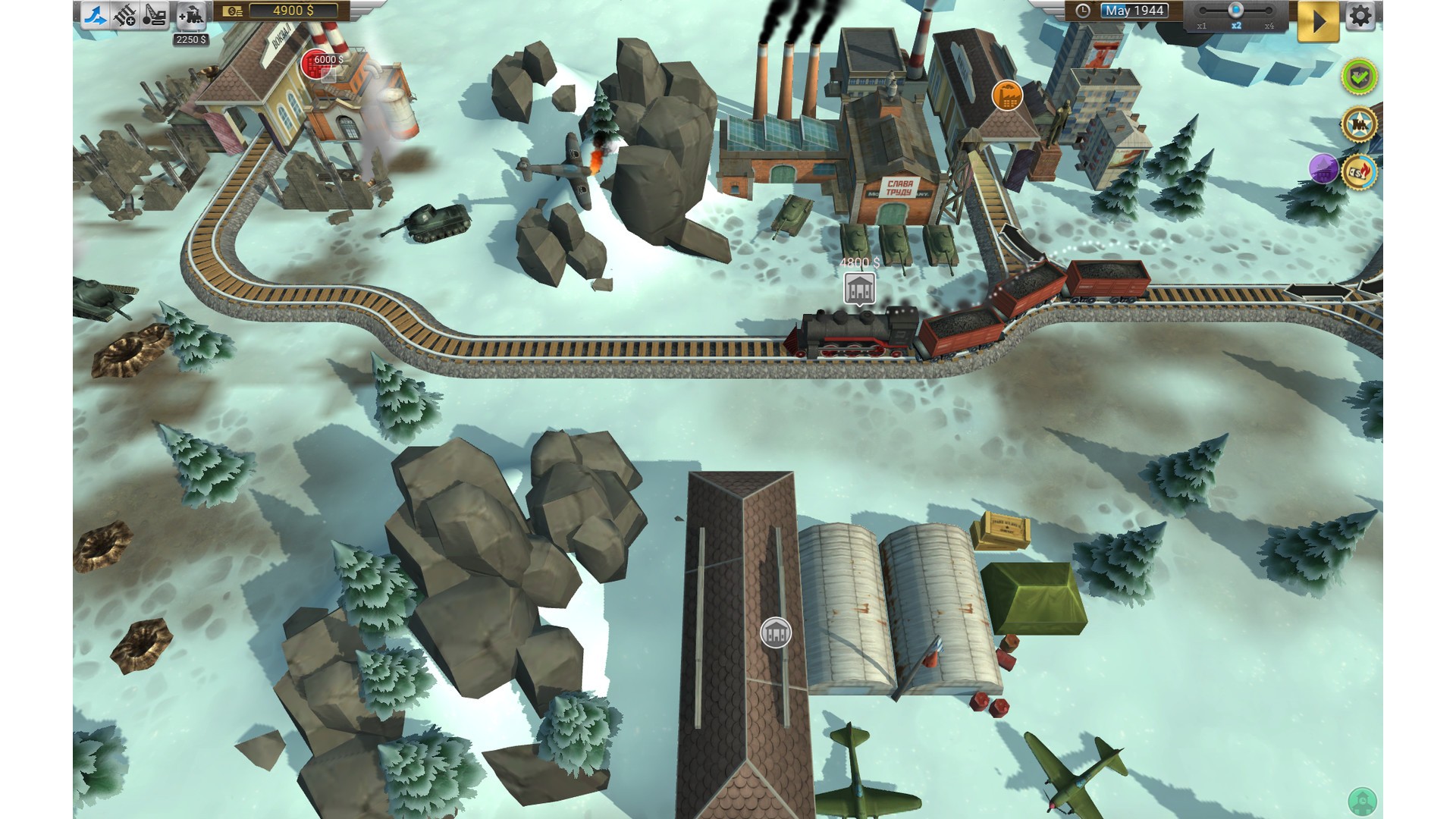
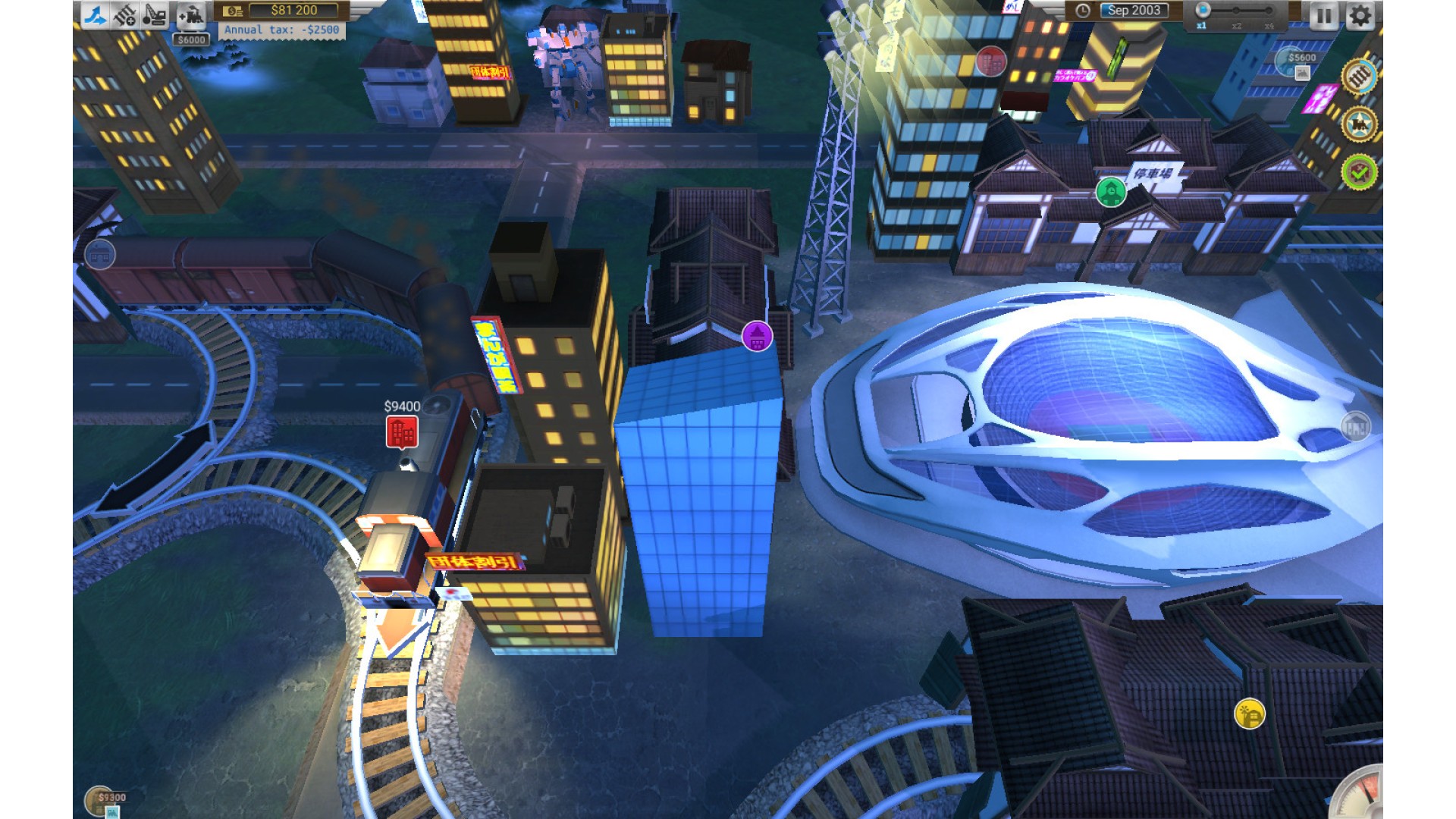
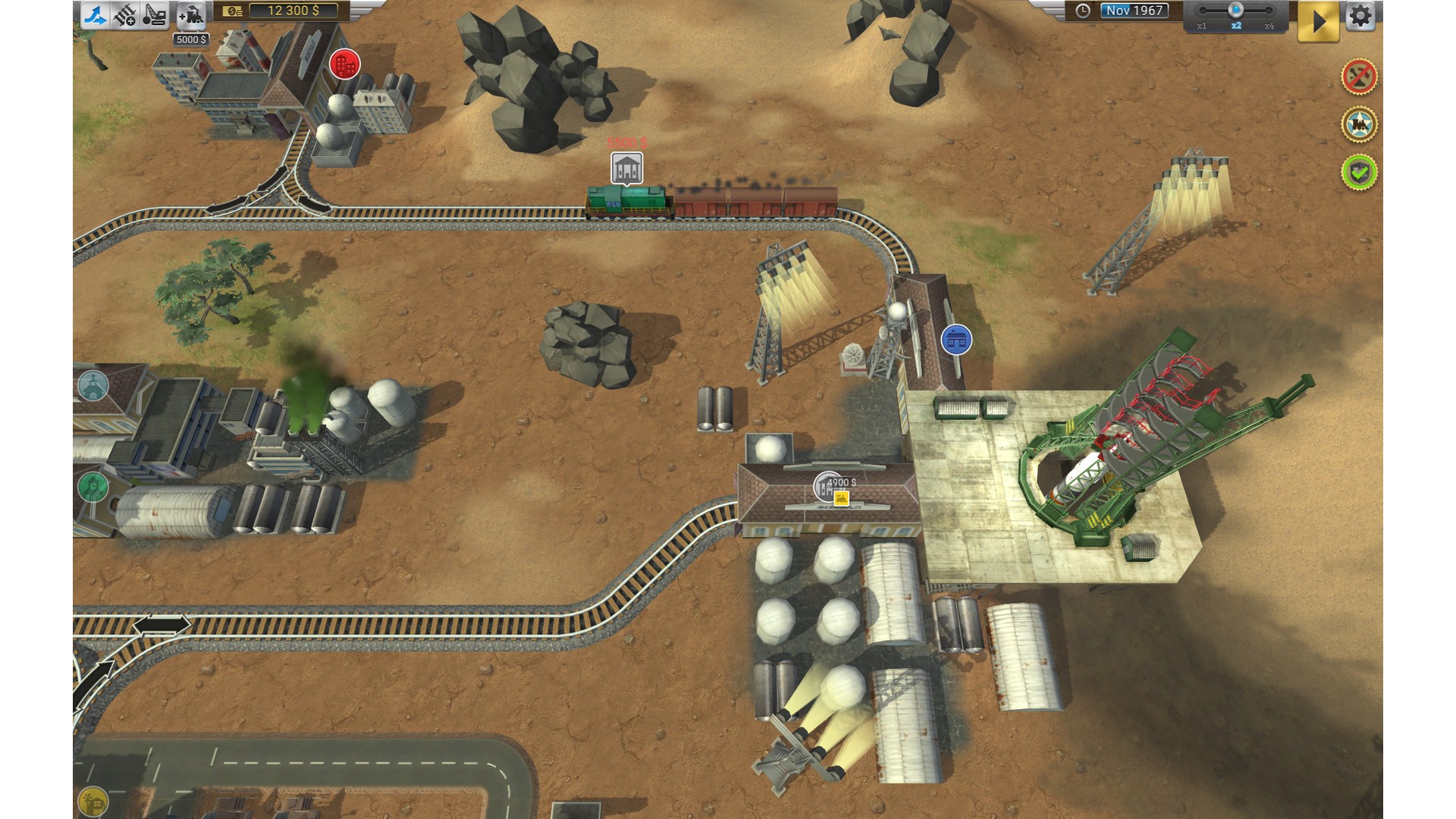
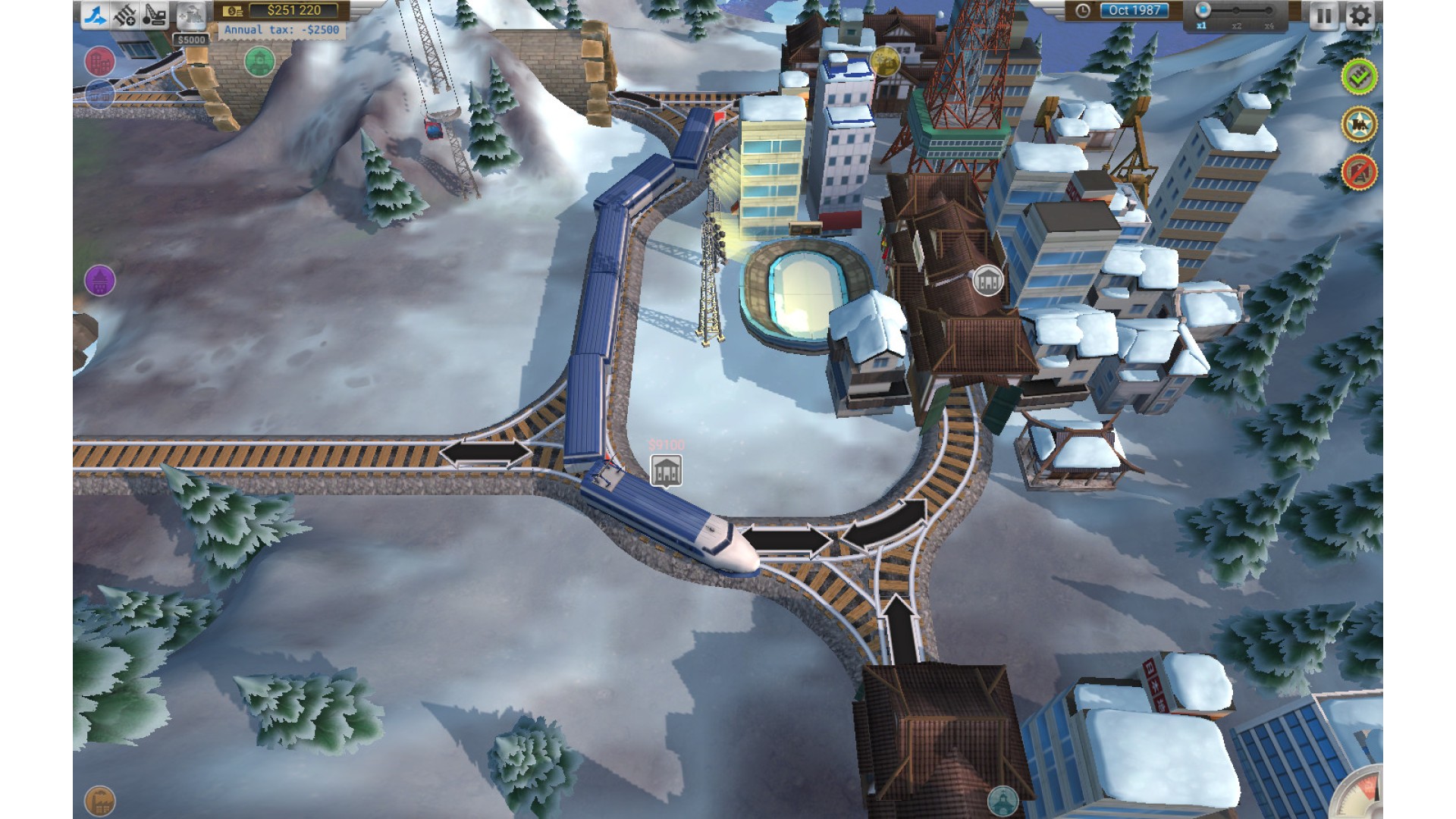
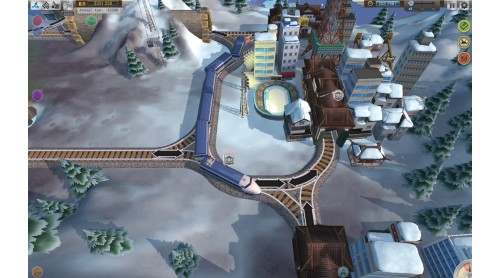
Play through 4 seasons: Europe (1830–1980), America (1840–1960), USSR (1880–1980) and Japan (1900–2020).
Complete the story mode featuring such real-life events as the Gold Rush of 1849, the construction of the Florida Overseas Railroad, World War II, the Cold War, the launch of the first manned space flight Vostok 1 and more.
Explore the game in different game modes: in story mode (5-10 minutes), in random mode (15-20 minutes – the level looks and develops differently every time you launch) or in sandbox-like regime (can be turned on for both story and random modes. It allows to play without time and money limits).
Discover 15 types of trains – from early steam-powered locomotives to modern high-speed trains, driving 18 types of cars – from old-time passenger cars to hoppers and cisterns and to military-use tank and gun platforms.
How to activate your Steam key?
1. Open your Steam client. (If you don't have a Steam Client, you can install from here https://store.steampowered.com/about/)
2. Sign in to your Steam account. (If you don't have a Steam Account, you can create from here https://store.steampowered.com/join/)
3. Click “ADD A GAME” button which is at the bottom of the Steam Client.
4. Now select "Activate a product on Steam..."
5. Write or copy-paste your Steam key which you purchased from Gamesforpc.
6. Now your game is in your library.
7. Find your game in your library, select and click install to start your download.