




 Steam
Steam  Windows
 | Release Date | 24.05.2026 |
| Publisher | ORIN SOFT |
| Operating Systems | Windows |
| Genres | Simulation, Strategy, casual, indie |
6.99€
Added to Cart
6.99€
Added to Wishlist
6.99€

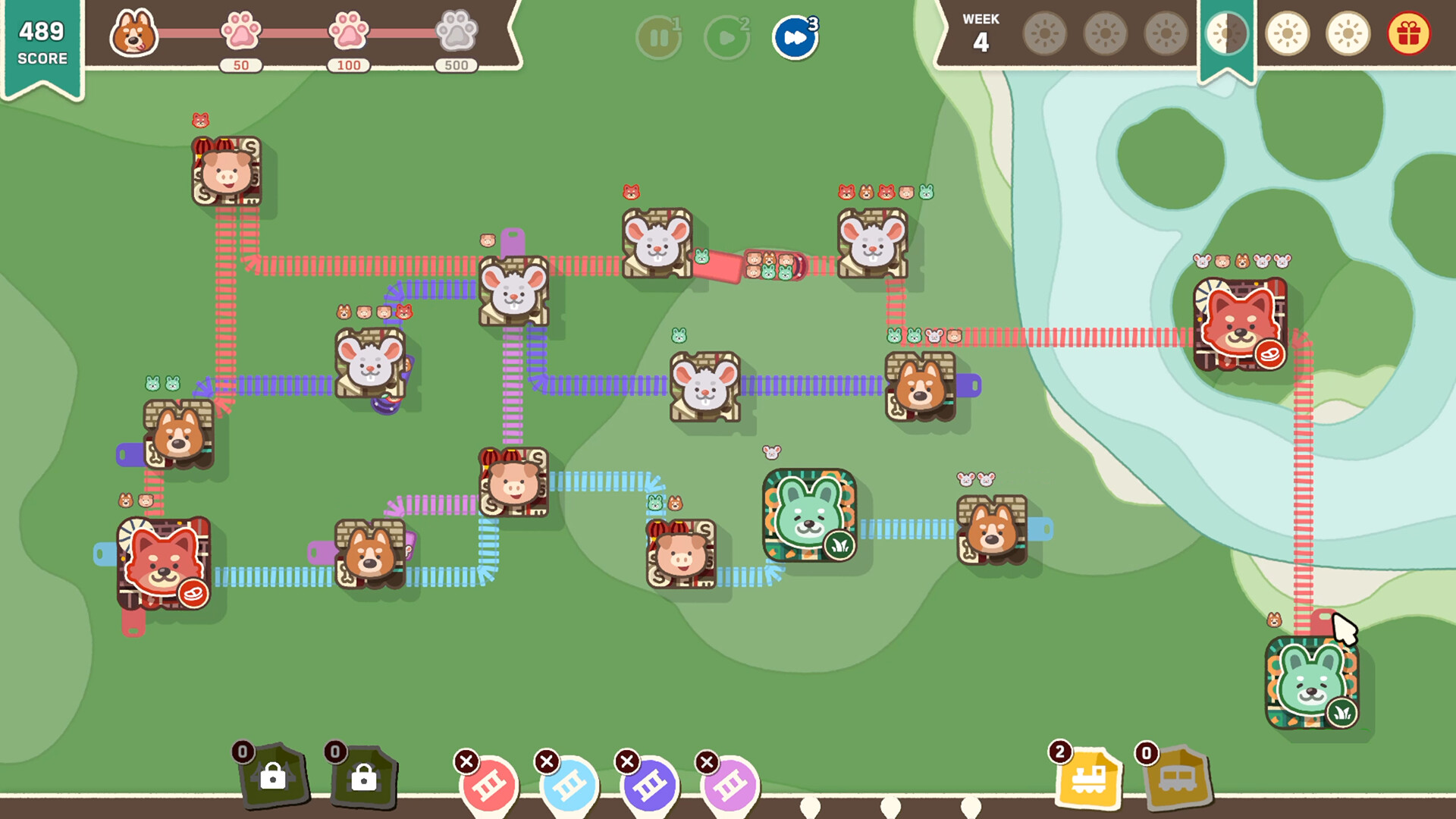
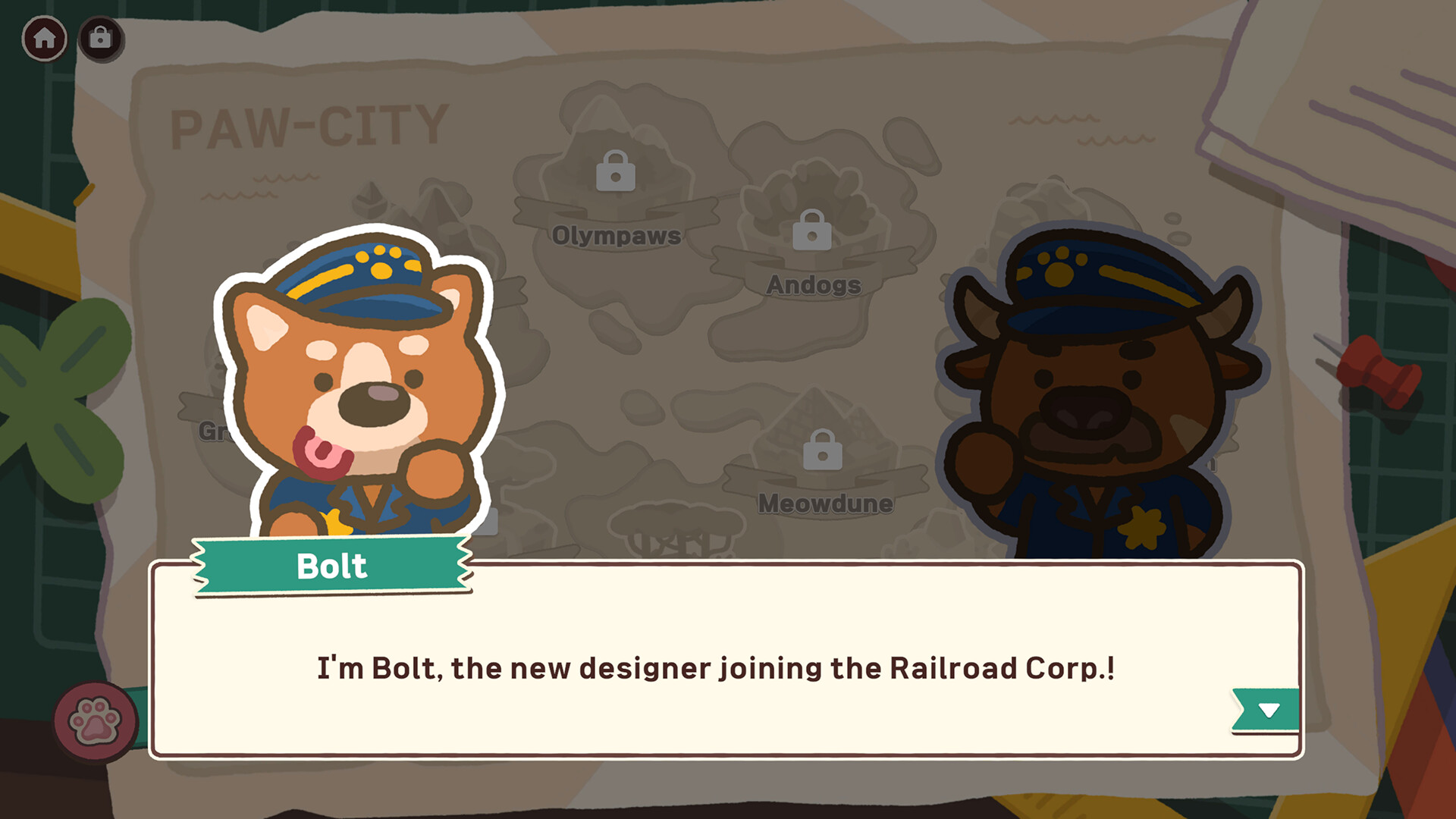
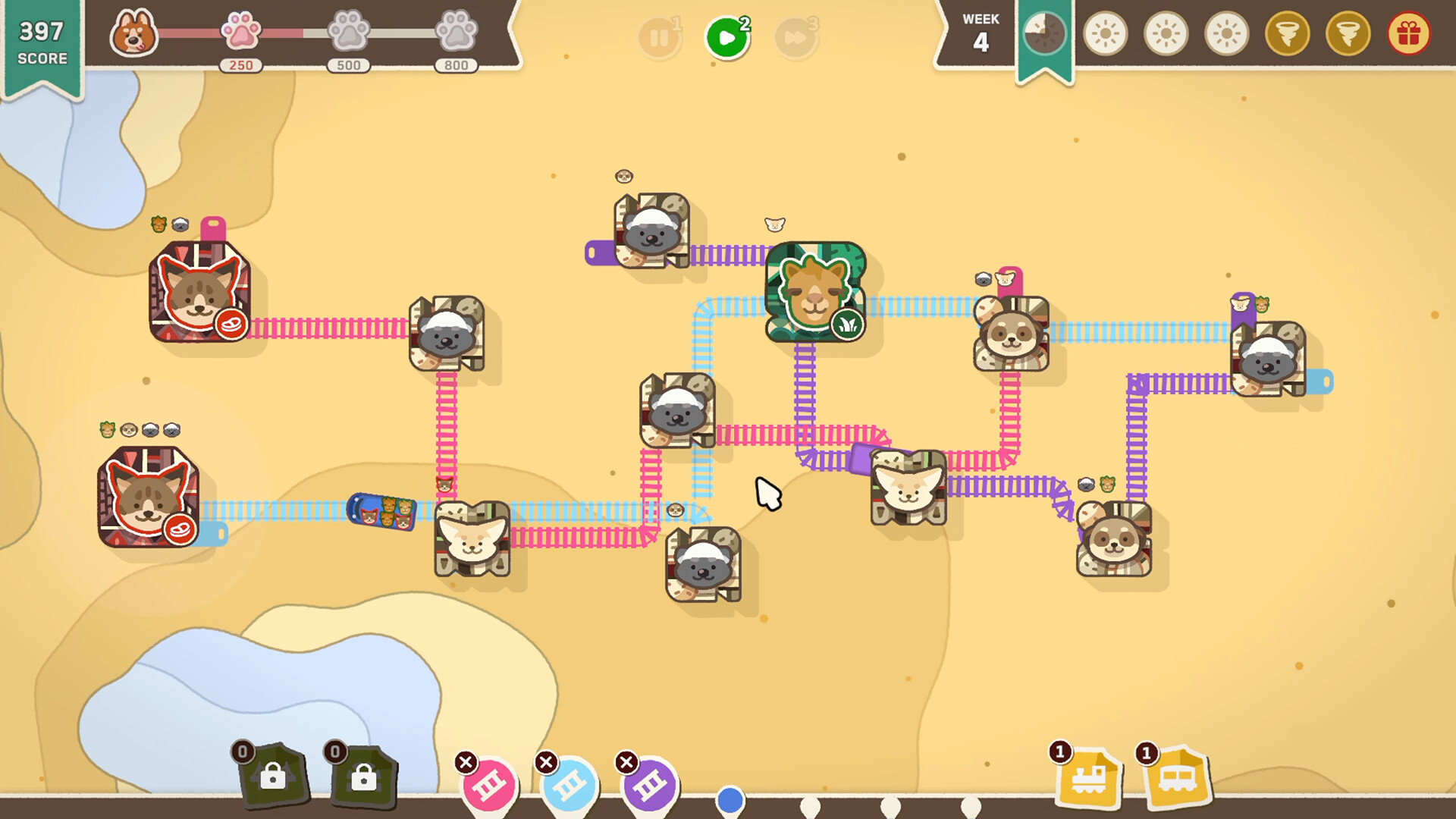
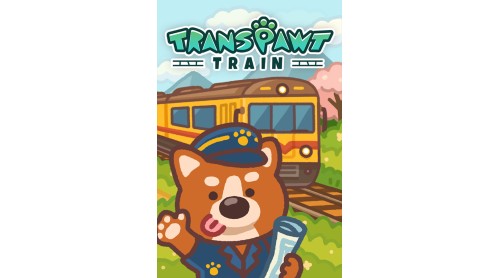
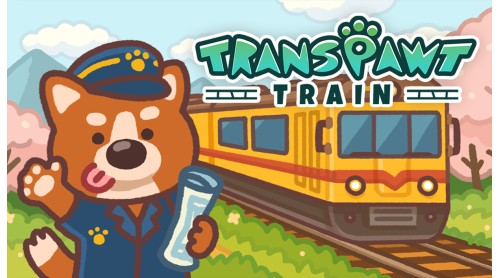
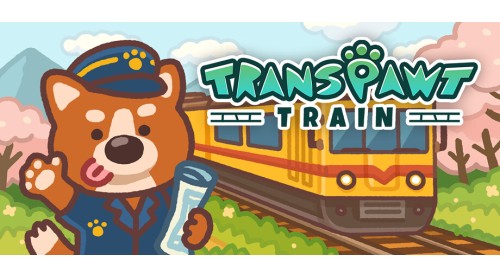
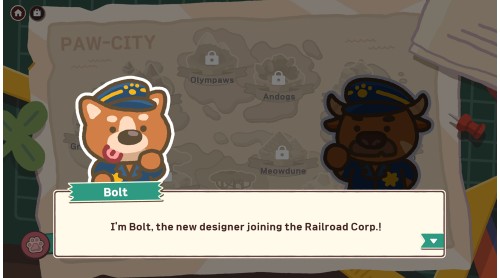
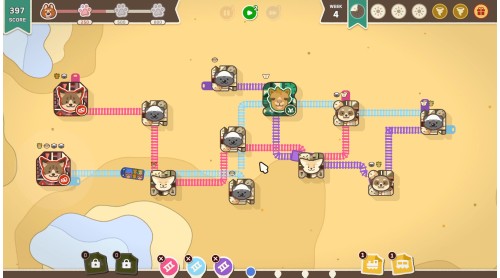
As an employee of the “Railroad Corp.”, you are in charge of designing railroads and connecting animal towns.
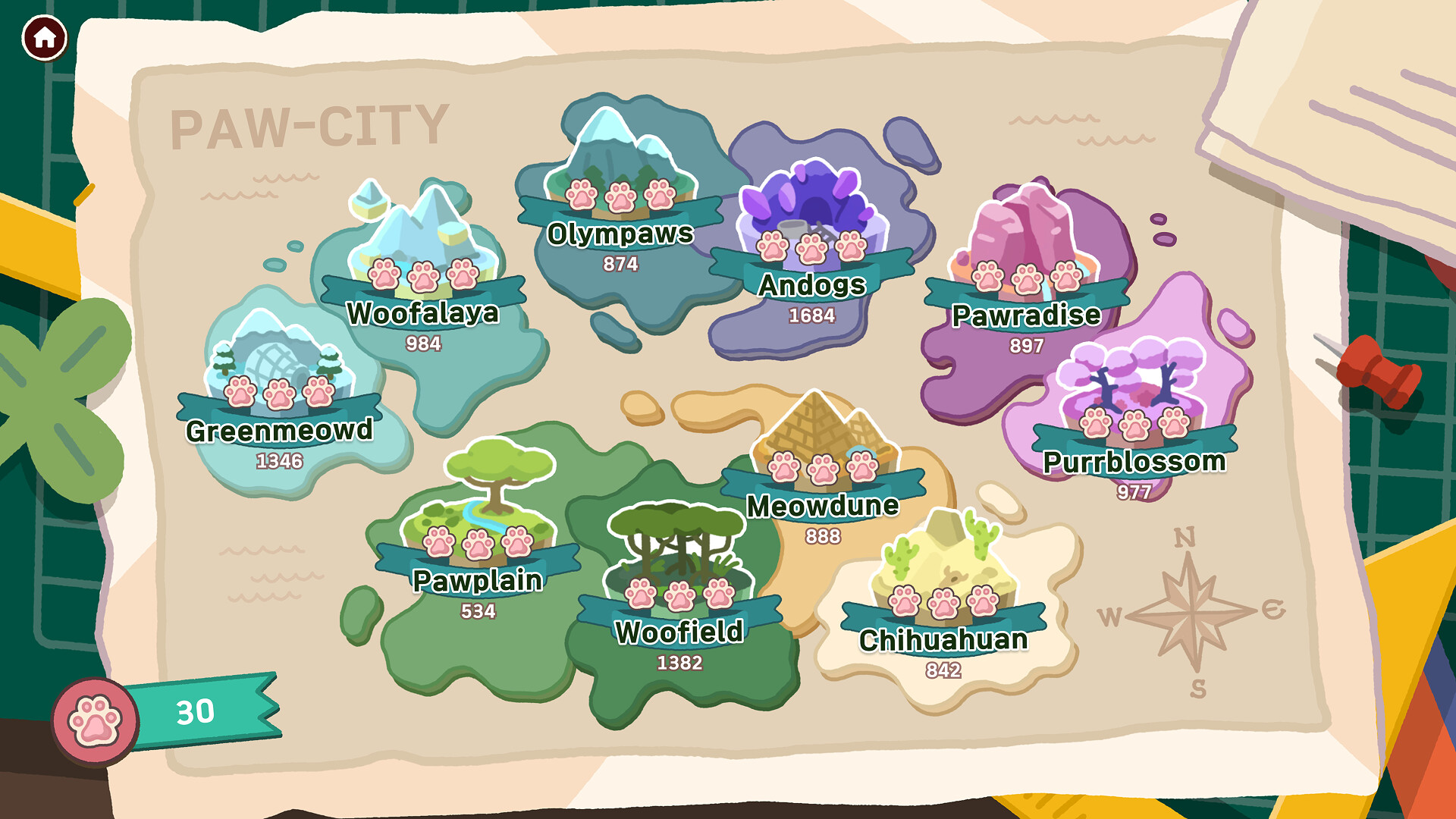
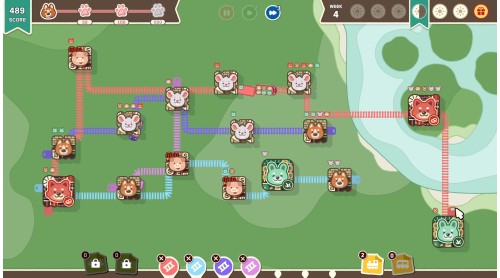
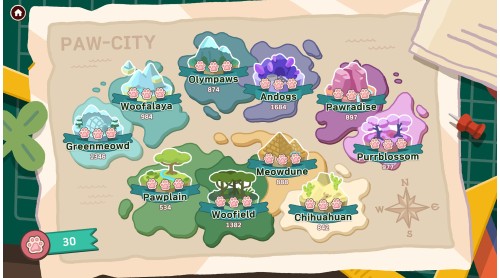
Connect the Paw-City with your creative strategies and designs!

The train starts running along the railroad you designed.
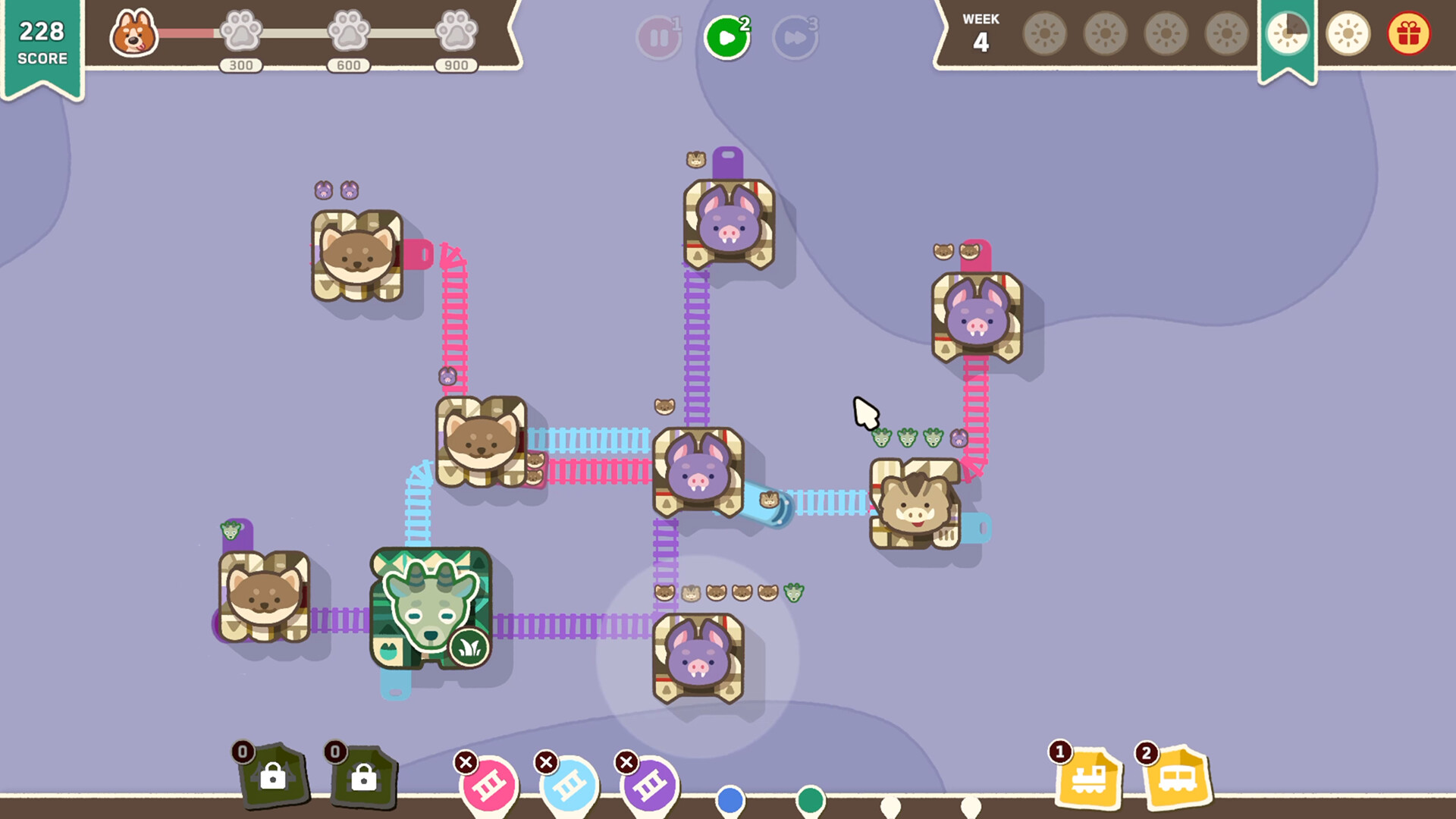
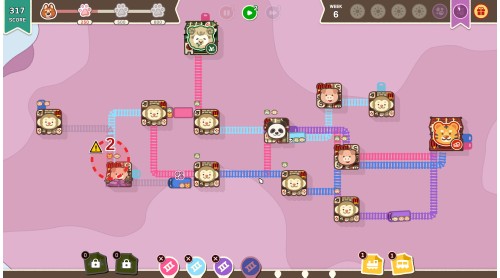
If you have a new animal town, don't panic, just delete the railroad and redesign it.
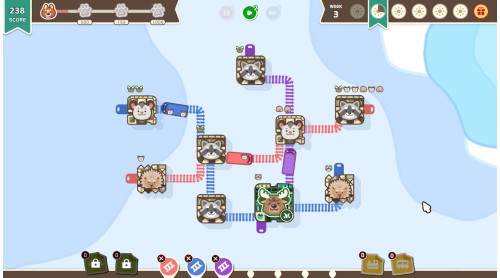
Make animal residents comfortable on the train!

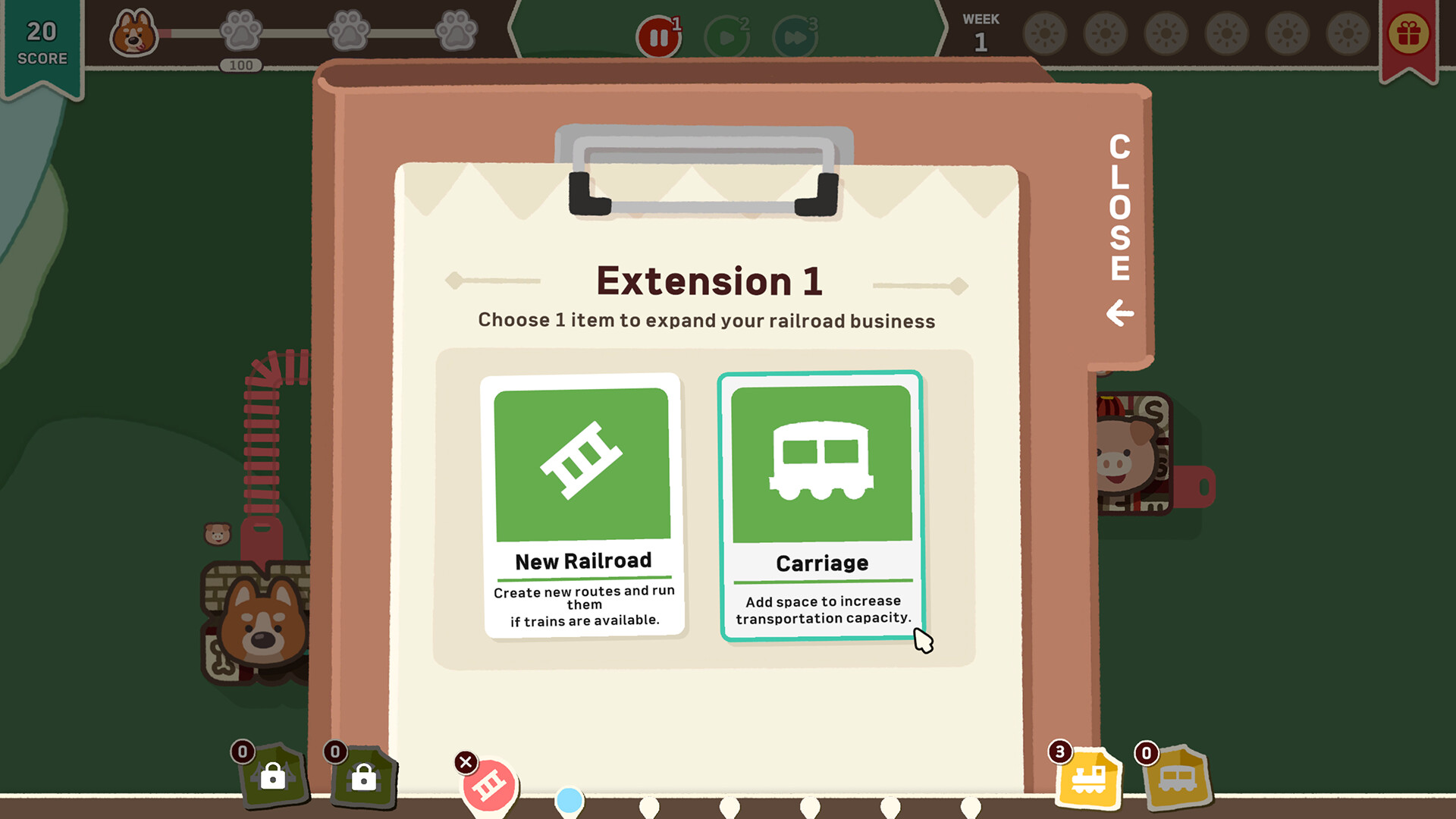
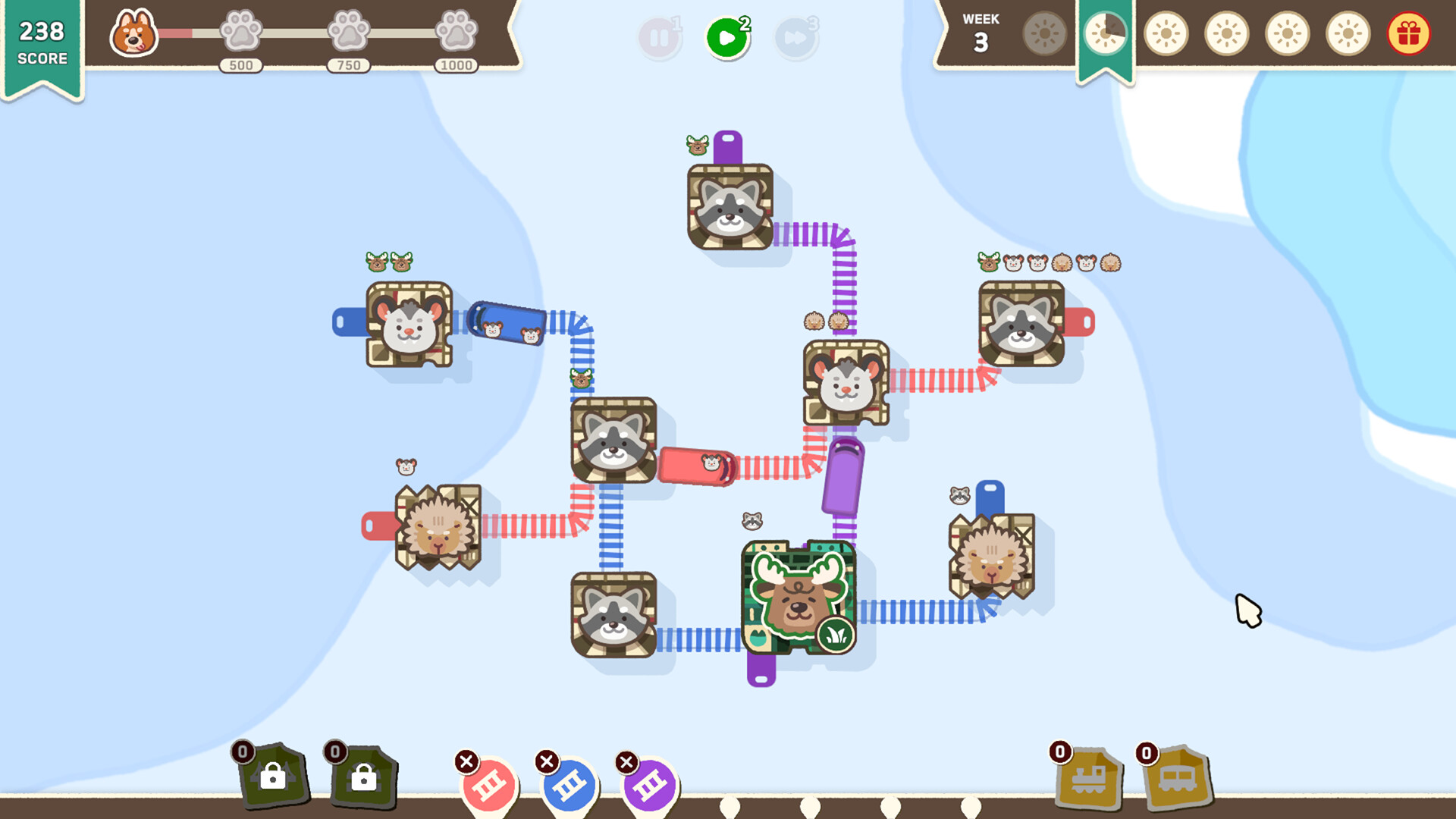
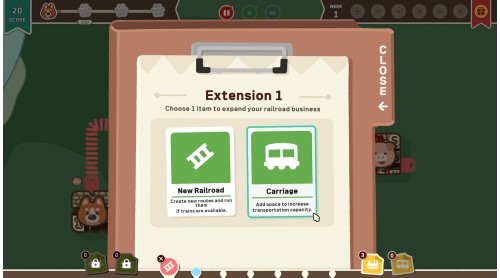
At set times, we'll give you items to help you play.
Use them to strategize your railroad!

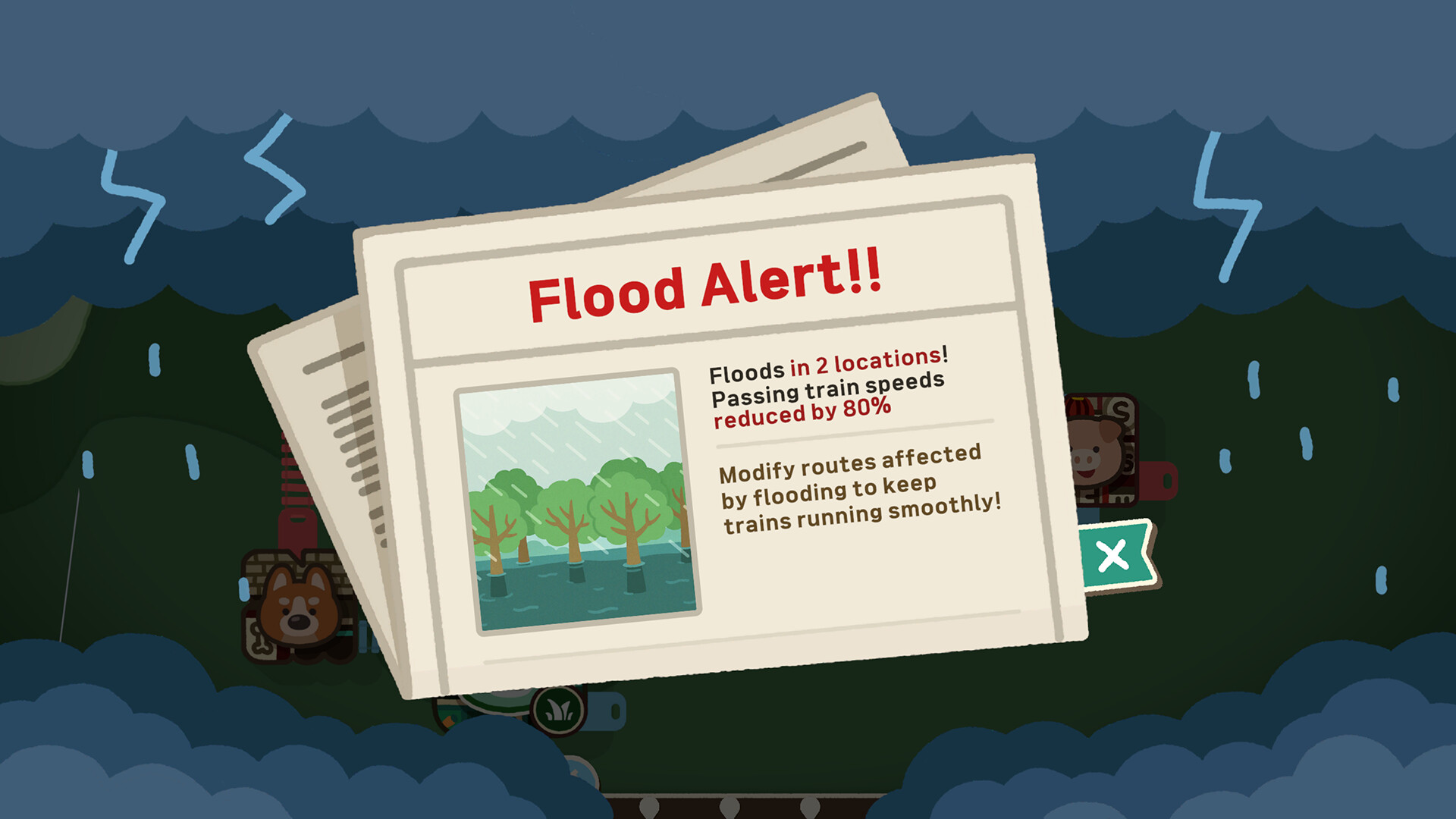
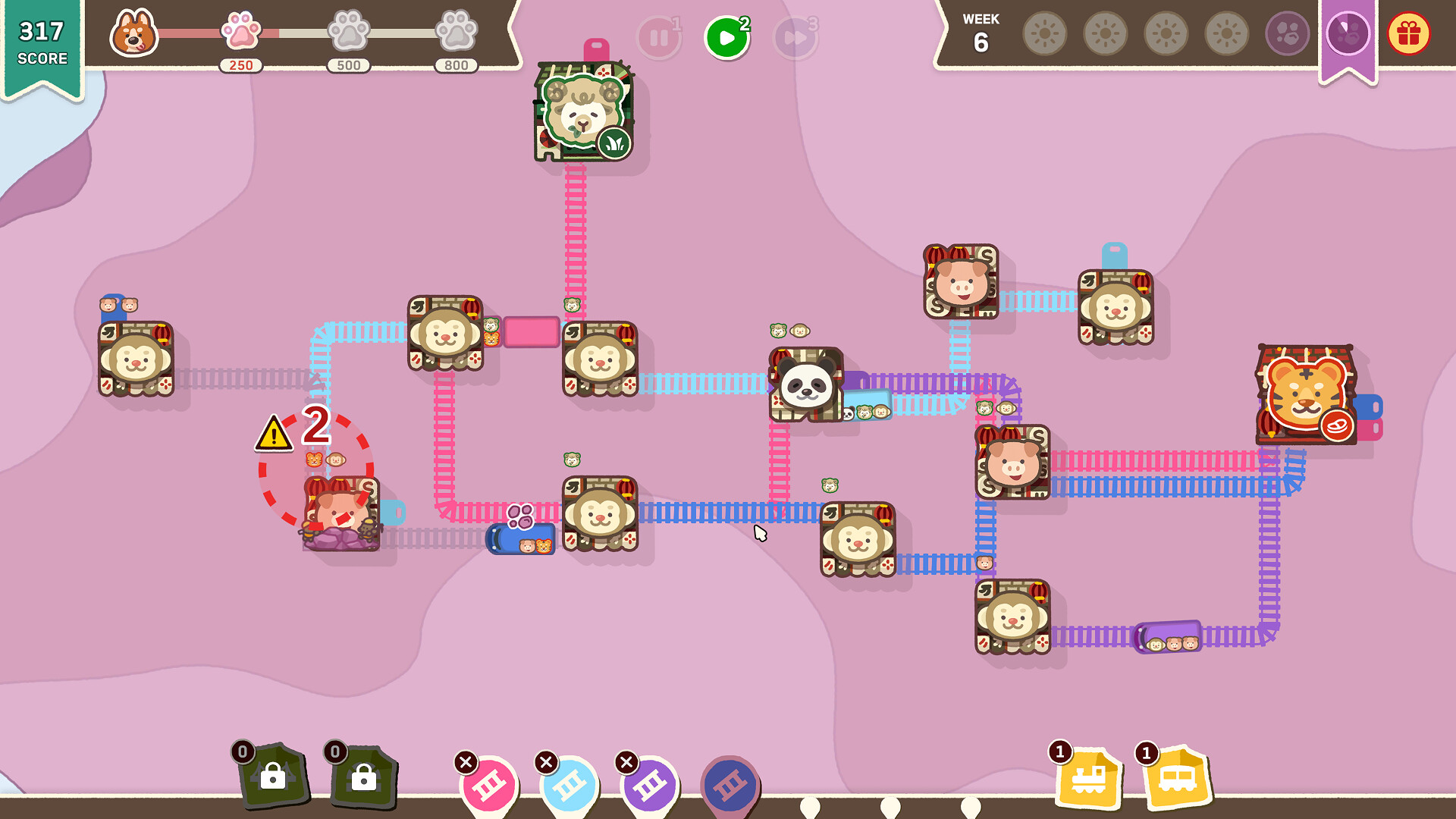
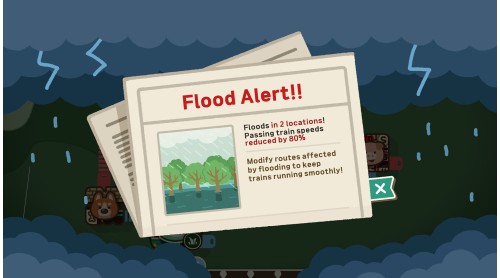
As your Paw-City grows, disasters can suddenly strike and ruin your routes.
Use a variety of items and your brilliant strategy to respond efficiently!
Keep designing efficient railroads for them and grow your Paw City!


How to activate your Steam key?
1. Open your Steam client. (If you don't have a Steam Client, you can install from here https://store.steampowered.com/about/)
2. Sign in to your Steam account. (If you don't have a Steam Account, you can create from here https://store.steampowered.com/join/)
3. Click “ADD A GAME” button which is at the bottom of the Steam Client.
4. Now select "Activate a product on Steam..."
5. Write or copy-paste your Steam key which you purchased from Gamesforpc.
6. Now your game is in your library.
7. Find your game in your library, select and click install to start your download.