












 Steam
Steam  Windows
  Mac
Mac  Linux
Linux | Release Date | 07.05.2026 | |
| Operating Systems | Linux | |
| Operating Systems | Mac OS | |
| Publisher | SEGA | |
| PEGI Rating | + 3 | |
| Operating Systems | Windows | |
| Genres | Simulation, Strategy, casual, indie |
10.99€
8.79€
Added to Cart
10.99€
8.79€
Added to Wishlist
10.99€
8.79€
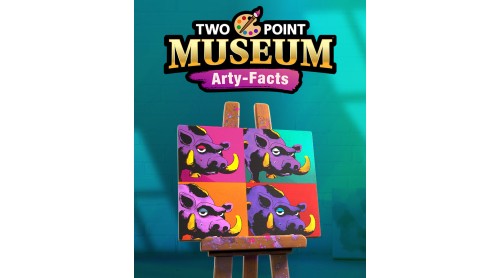
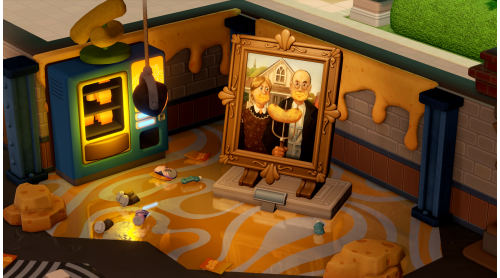
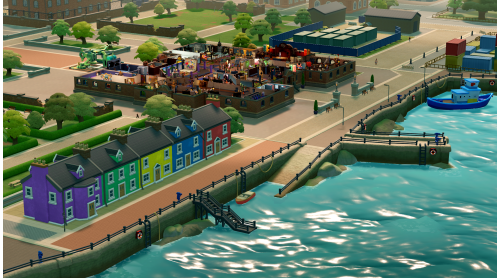
Two Point Museum: Arty-Facts includes art, facts and artefacts.
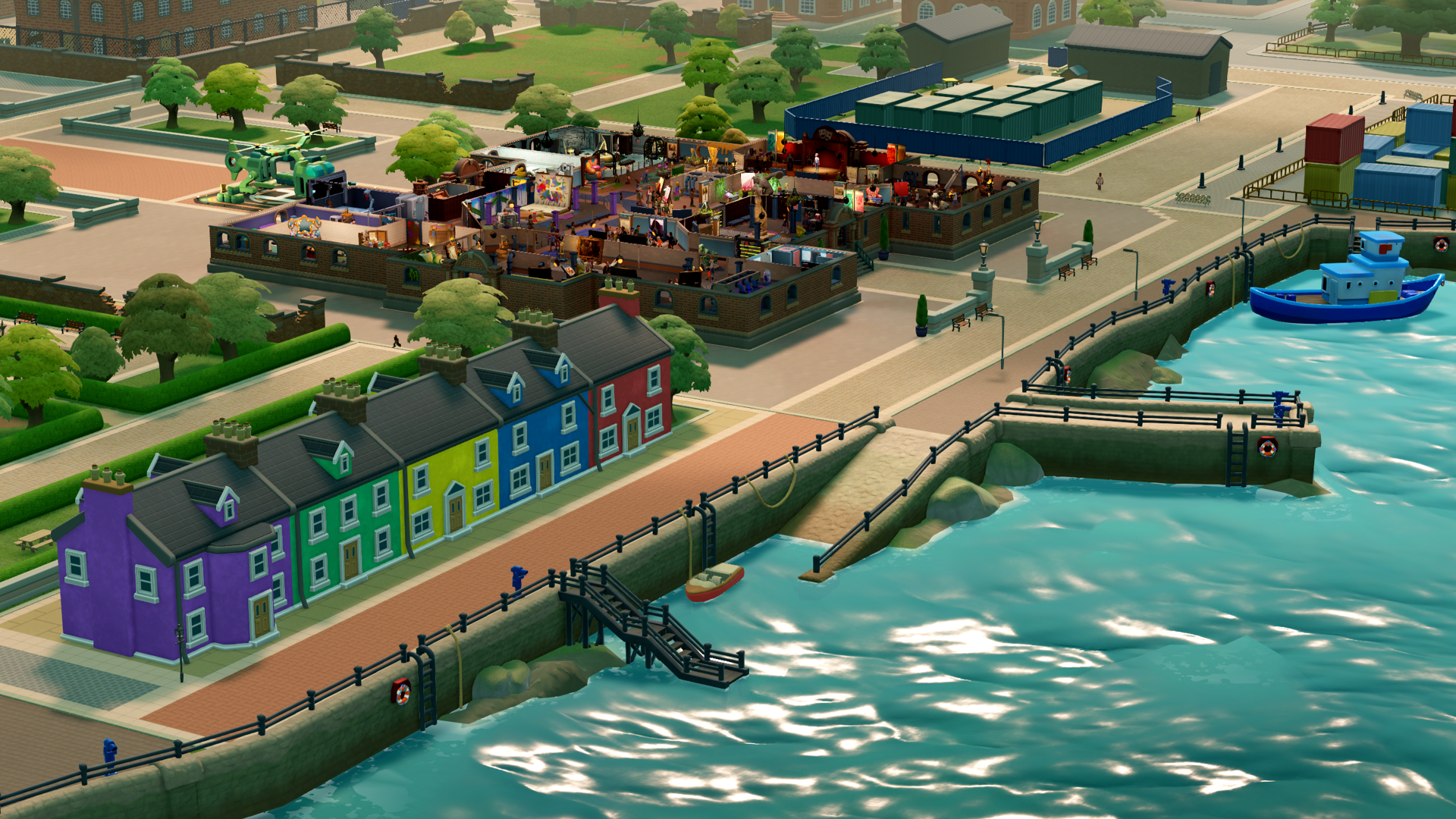
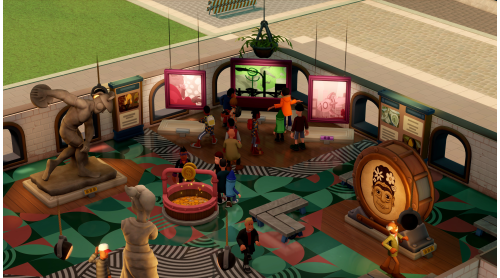
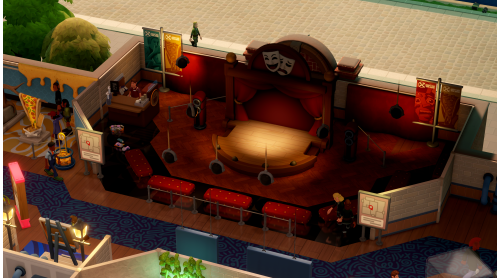
Now hiring for Art Experts to re-establish and re-imagine ‘Art’ for Two Point County in a brand new museum location: Undee Docks!
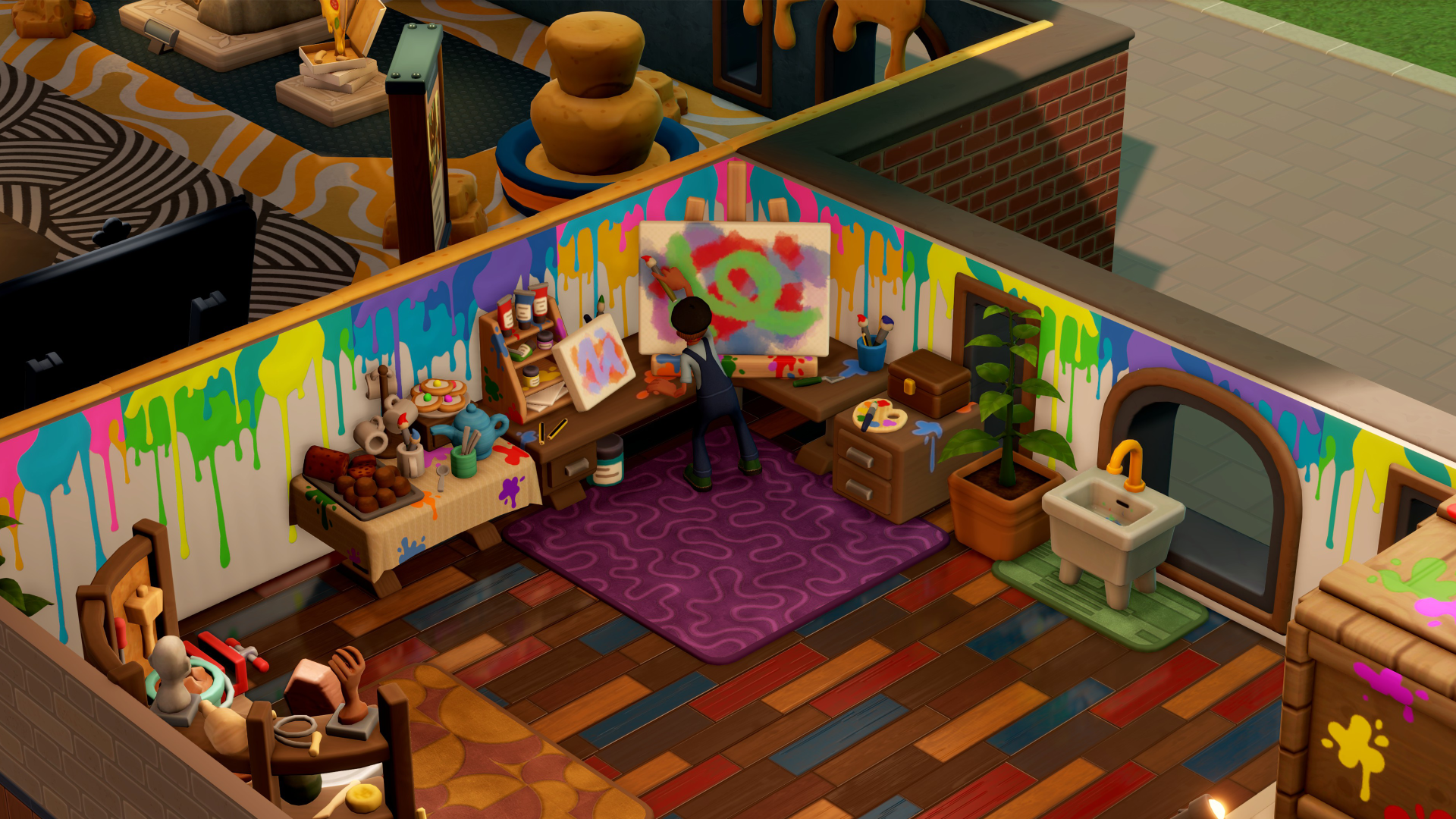
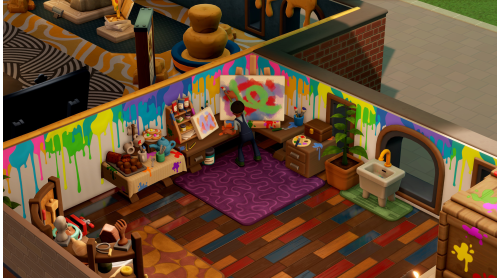
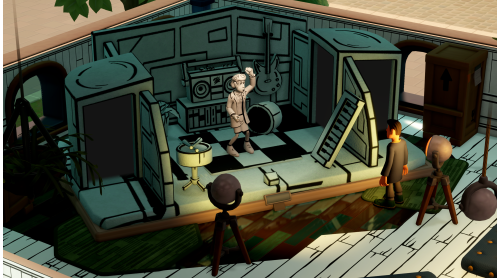
As our new resident Art Expert, you won’t just be in charge of standing around looking pensive (although that is 70% of the role), you’ll also be responsible for establishing a brand new Art Studio in the museum, creating new works to evoke a broad range of emotions in guests to the museum gallery… a gallery-um as it were!
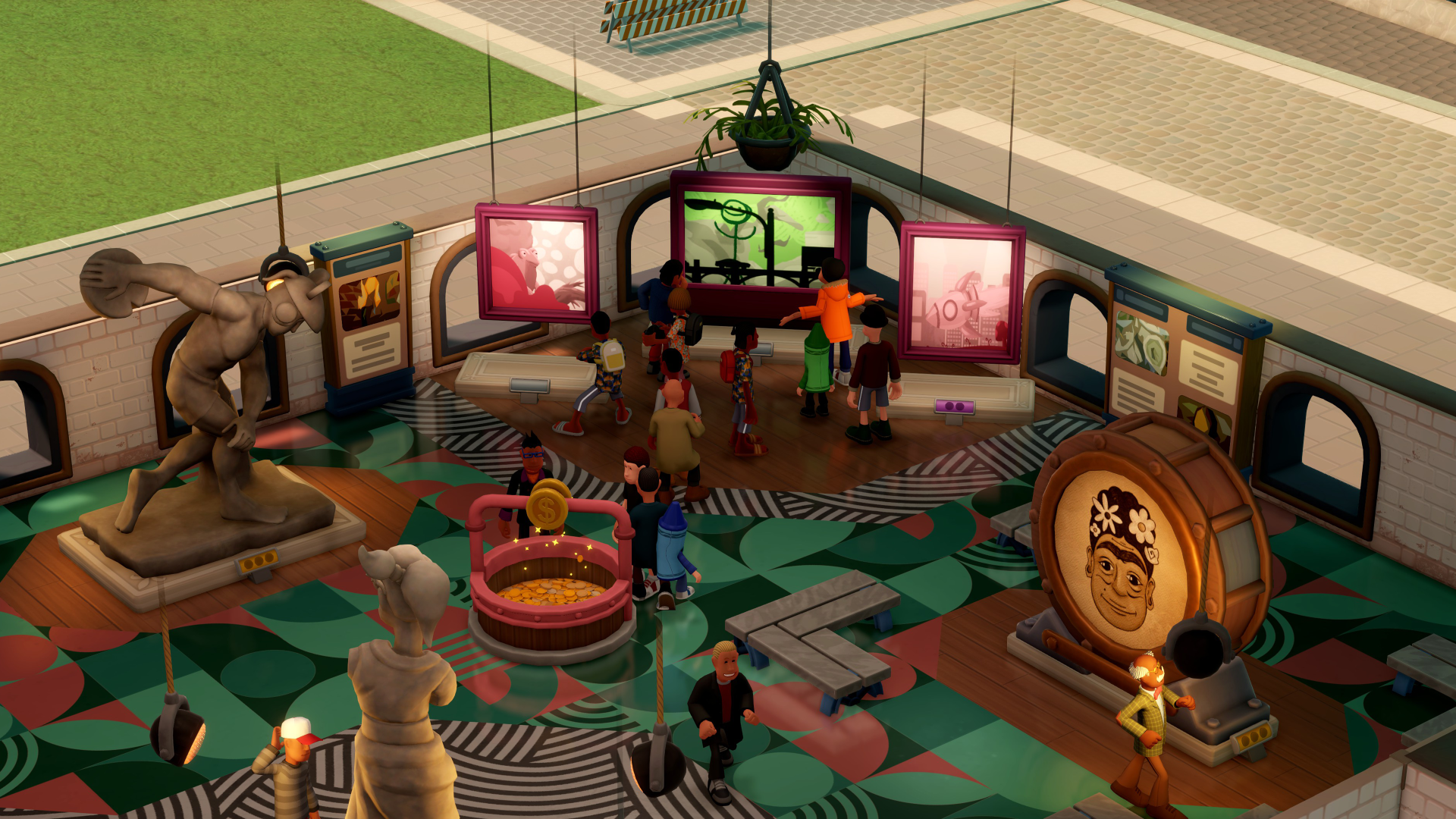
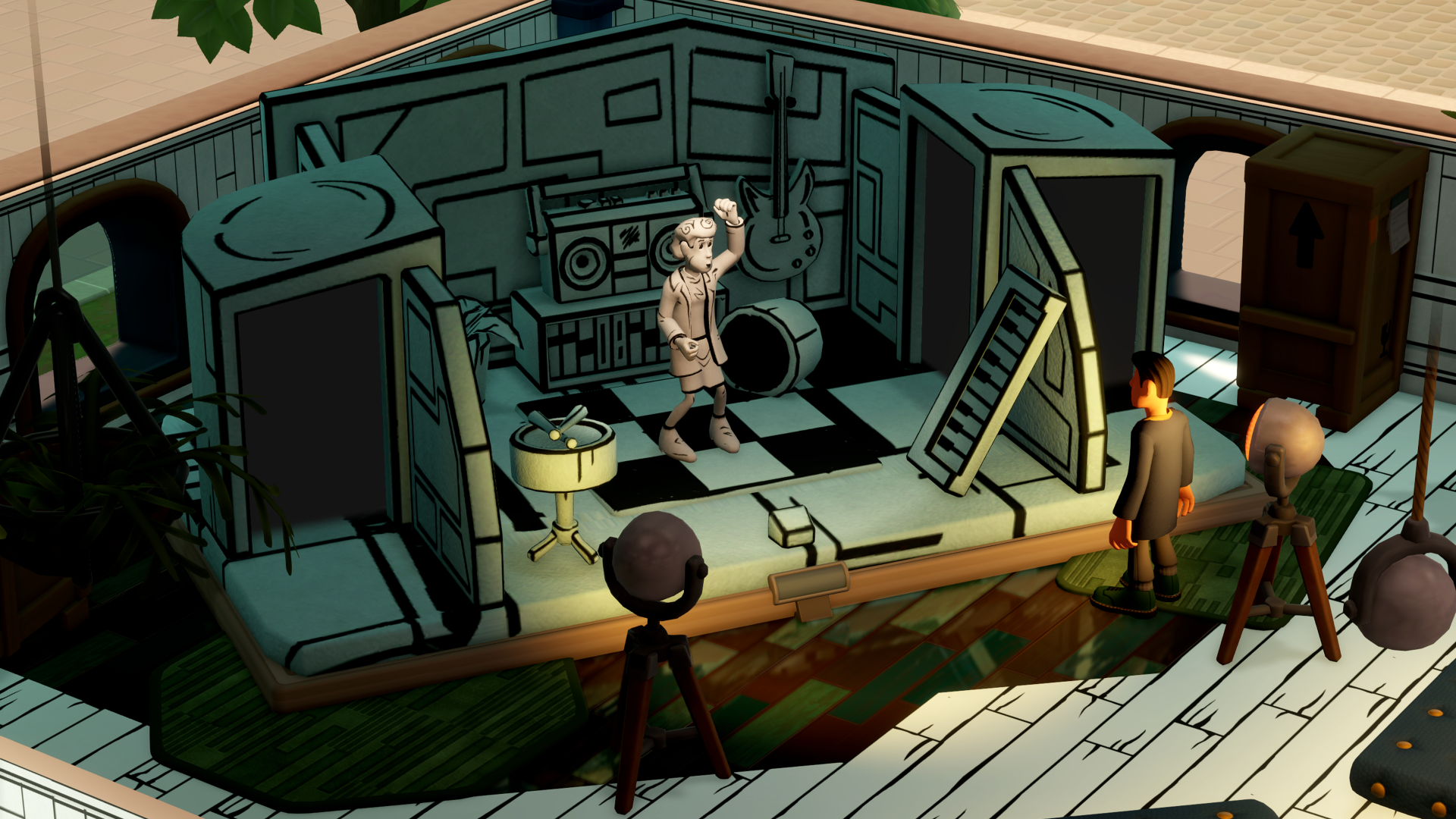
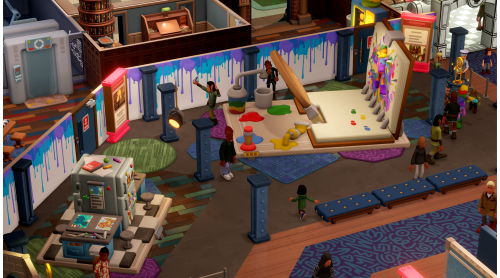
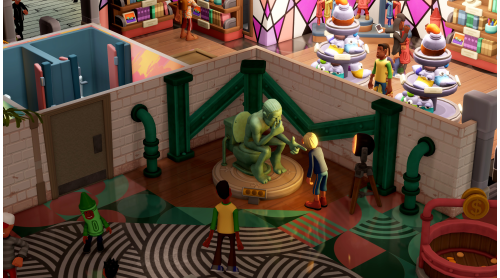
Not only will this new gallery(um) feature Famous Works from Two Point’s greats, as our resident expert, you’ll immerse guests in interactive experiences, alongside creating your very own original pieces, made right in the museum Studio, from sculptures to paintings.
Experts will need an eye for detail to distinguish the genuine arty-facts from the geneuin-ish works you might find in the back of a Roach Burger car park. Your talent will be curated on inspiring expeditions, where you’ll (probably) bring back ideas and emotion ready to evoke in the medium of your choosing.
Perks to the role mostly include a free beret and hazard pay for the inevitable, however rare, paint-related incidents, and the salary expectations are set to the competitive industry rate of "mostly exposure".
APPLY NOW!
©SEGA. All rights reserved. Developed by Two Point Studios. Published by SEGA Europe Limited. TWO POINT and SEGA are registered in the U.S. Patent and Trademark Office. TWO POINT, TWO POINT MUSEUM, the TWO POINT MUSEUM logo and TWO POINT STUDIOS are registered trademarks or trademarks of Two Point Studios Limited or its affiliates. SEGA and the SEGA logo are registered trademarks or trademarks of SEGA CORPORATION. All other trademarks, logos and copyrights are property of their respective owners.


How to activate your Steam key?
1. Open your Steam client. (If you don't have a Steam Client, you can install from here https://store.steampowered.com/about/)
2. Sign in to your Steam account. (If you don't have a Steam Account, you can create from here https://store.steampowered.com/join/)
3. Click “ADD A GAME” button which is at the bottom of the Steam Client.
4. Now select "Activate a product on Steam..."
5. Write or copy-paste your Steam key which you purchased from Gamesforpc.
6. Now your game is in your library.
7. Find your game in your library, select and click install to start your download.