








 Steam
Steam  Windows
  Mac
Mac  Linux
Linux | Release Date | 02.12.2025 | |
| Operating Systems | Linux | |
| Operating Systems | Mac OS | |
| Publisher | SEGA | |
| PEGI Rating | + 3 | |
| Operating Systems | Windows | |
| Genres | Simulation, Strategy, casual, indie |
10.99€
Added to Cart
10.99€
Added to Wishlist
10.99€
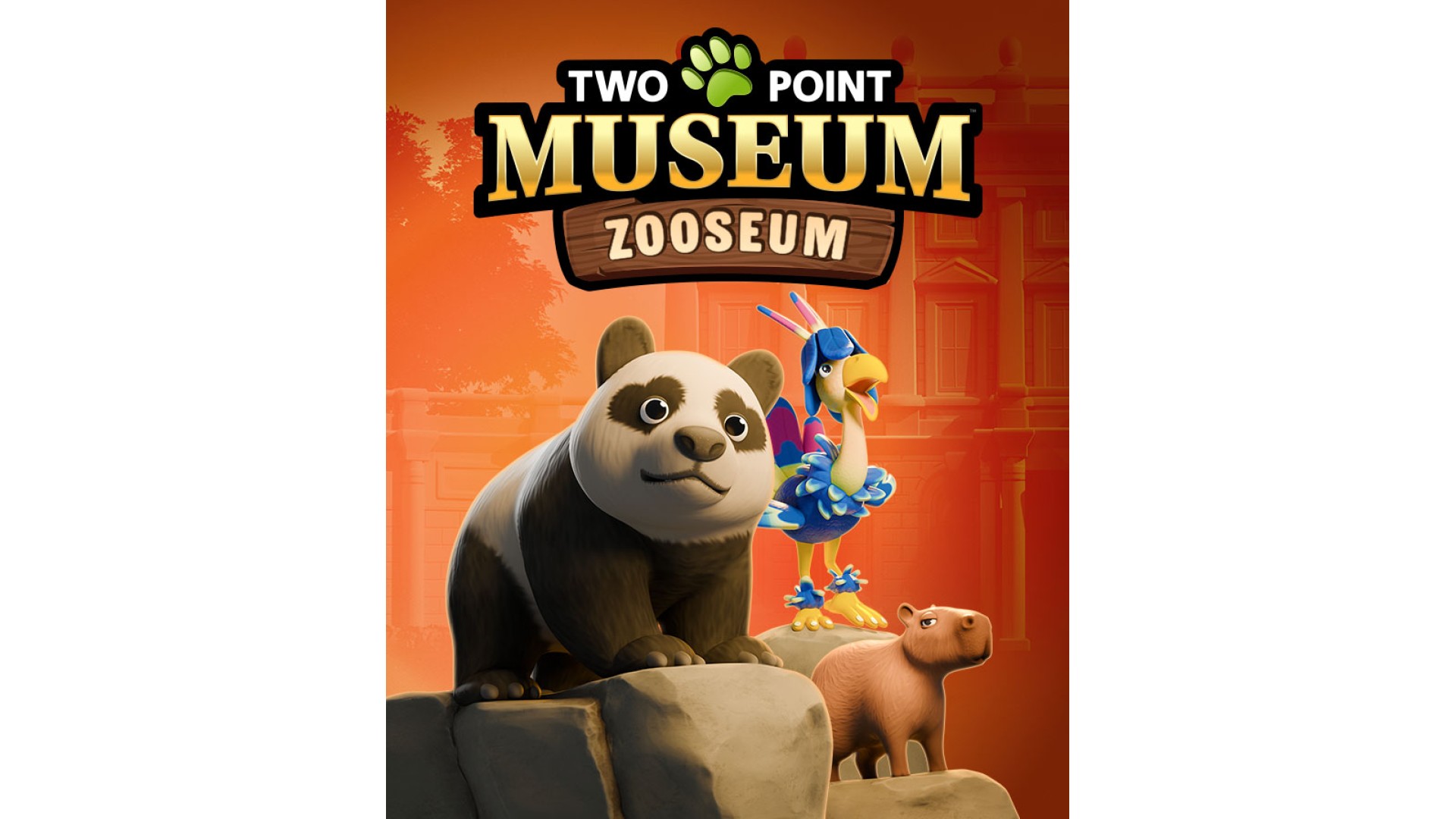
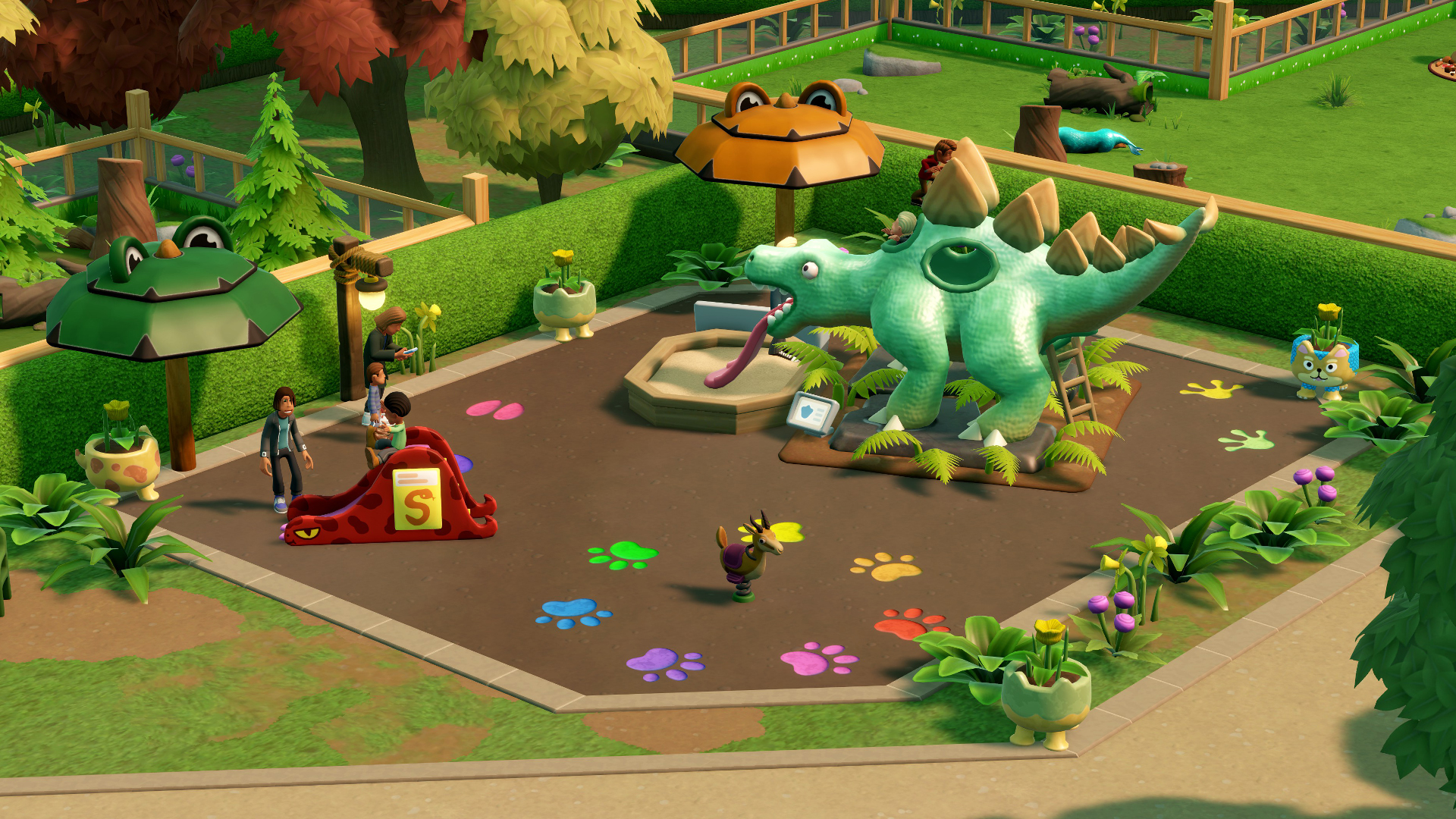
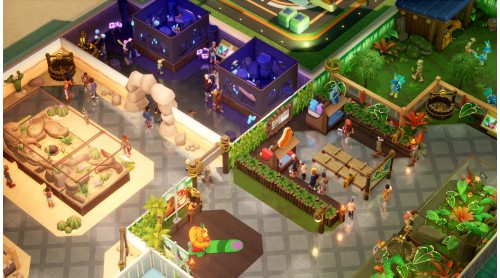
A larger, longer DLC pack with 100% more lions! Two Point Museum: Zooseum includes:
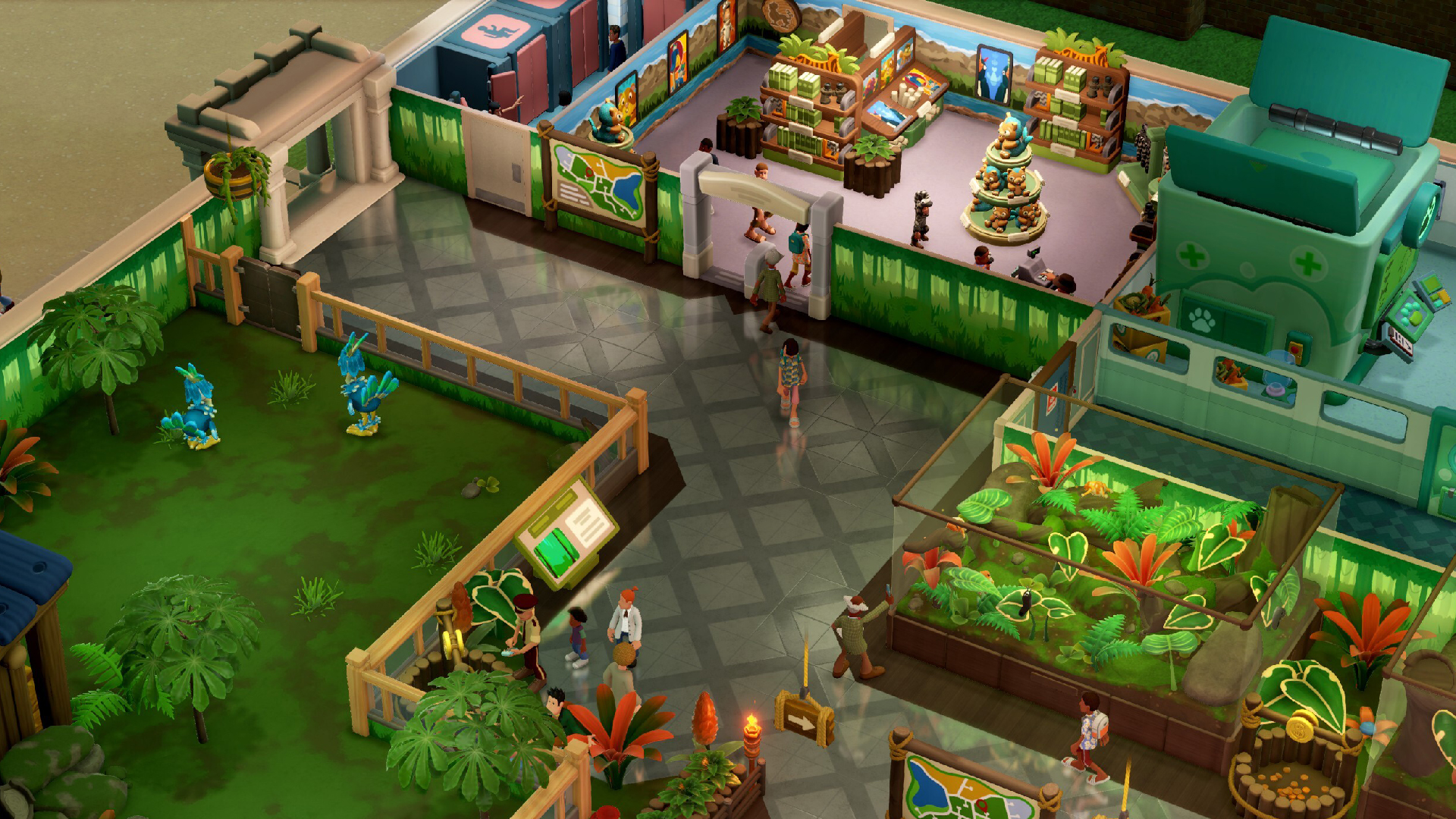
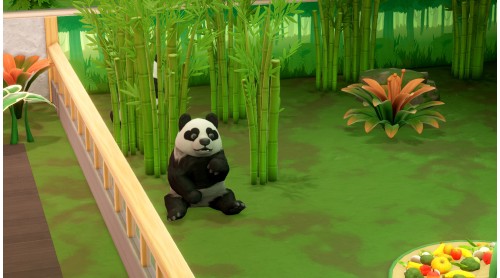
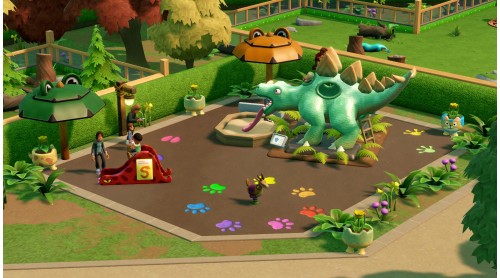
Now hiring for Wildlife Experts to heal, raise and re-wild some wonderful wildlife in our brand new museum location!
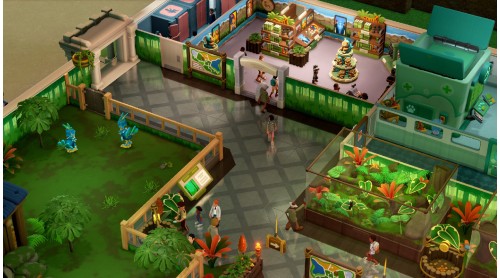
Two Point’s very own eccentric Kudoshillionaire Wiggy Silverbottom has permitted usage of his stately manor as a wildlife sanctuary for guests to come and enjoy while the animals are homed, healed and rehabilitated to be back in the wild. A Zooseum if you will.
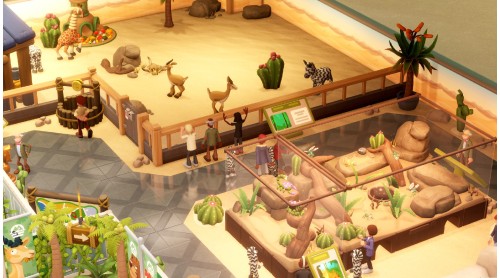
We need experts trained in a variety of exotic animals, diverse habitats, and that understand creatures with many, or sometimes no legs!
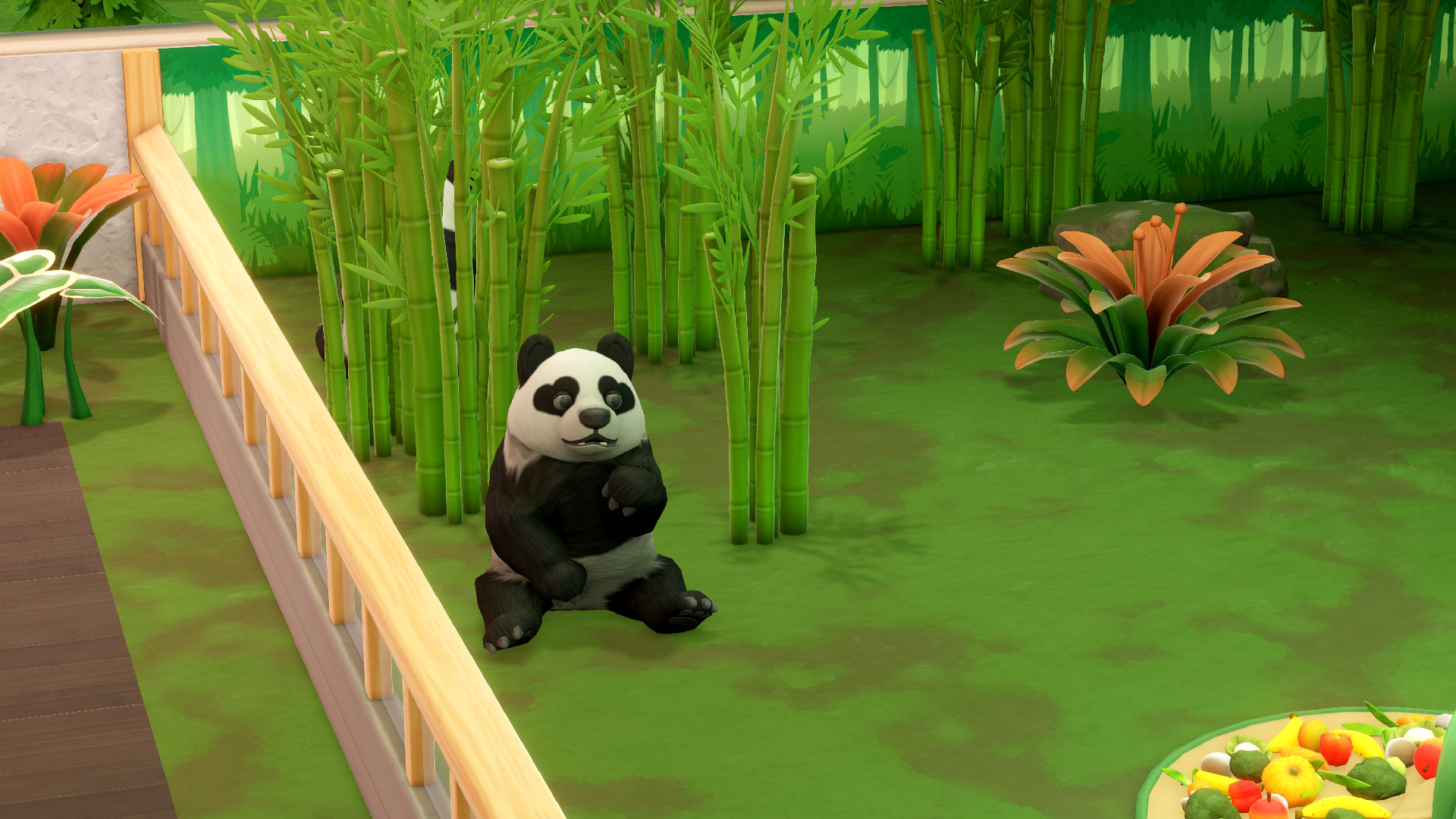
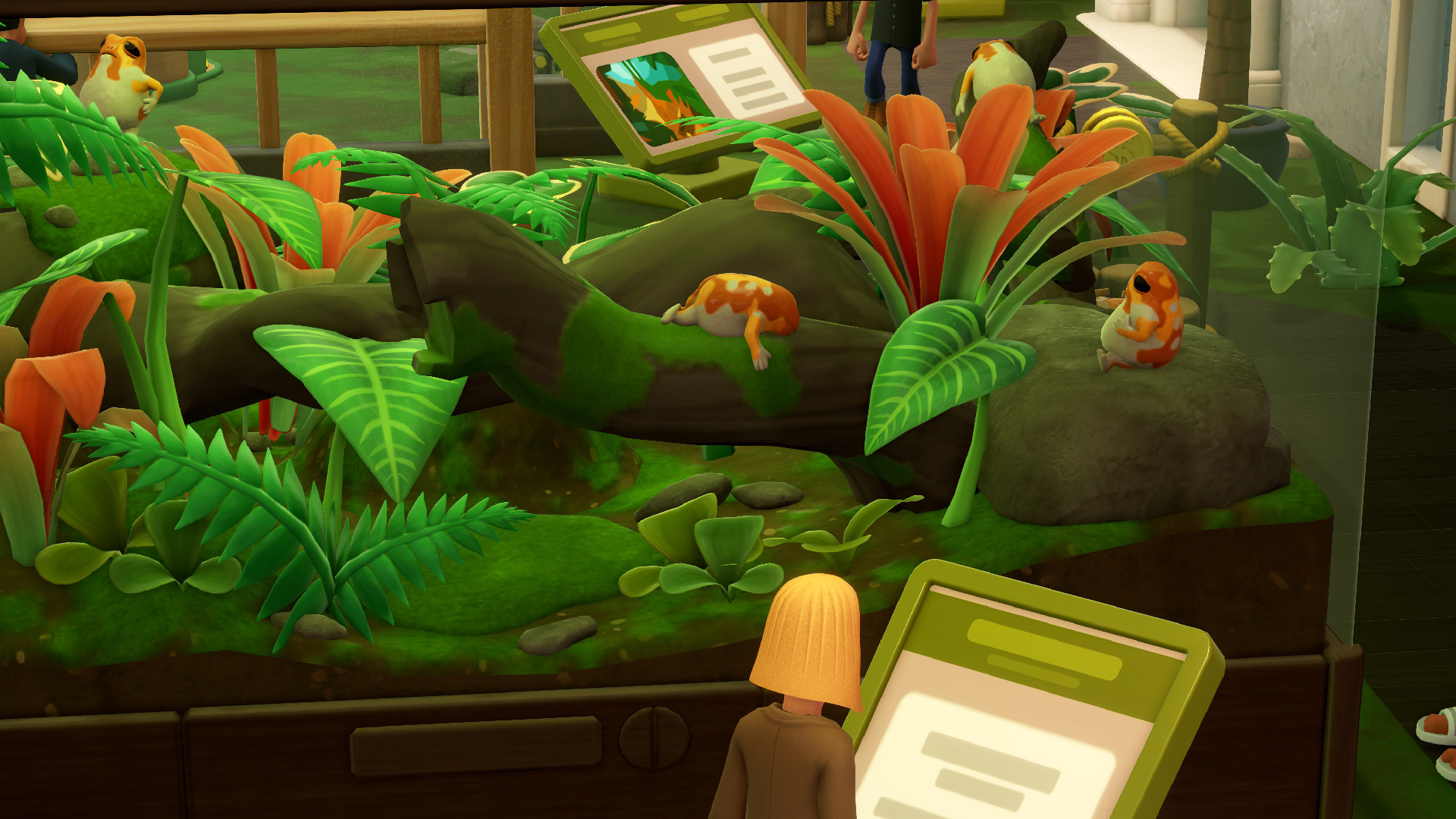
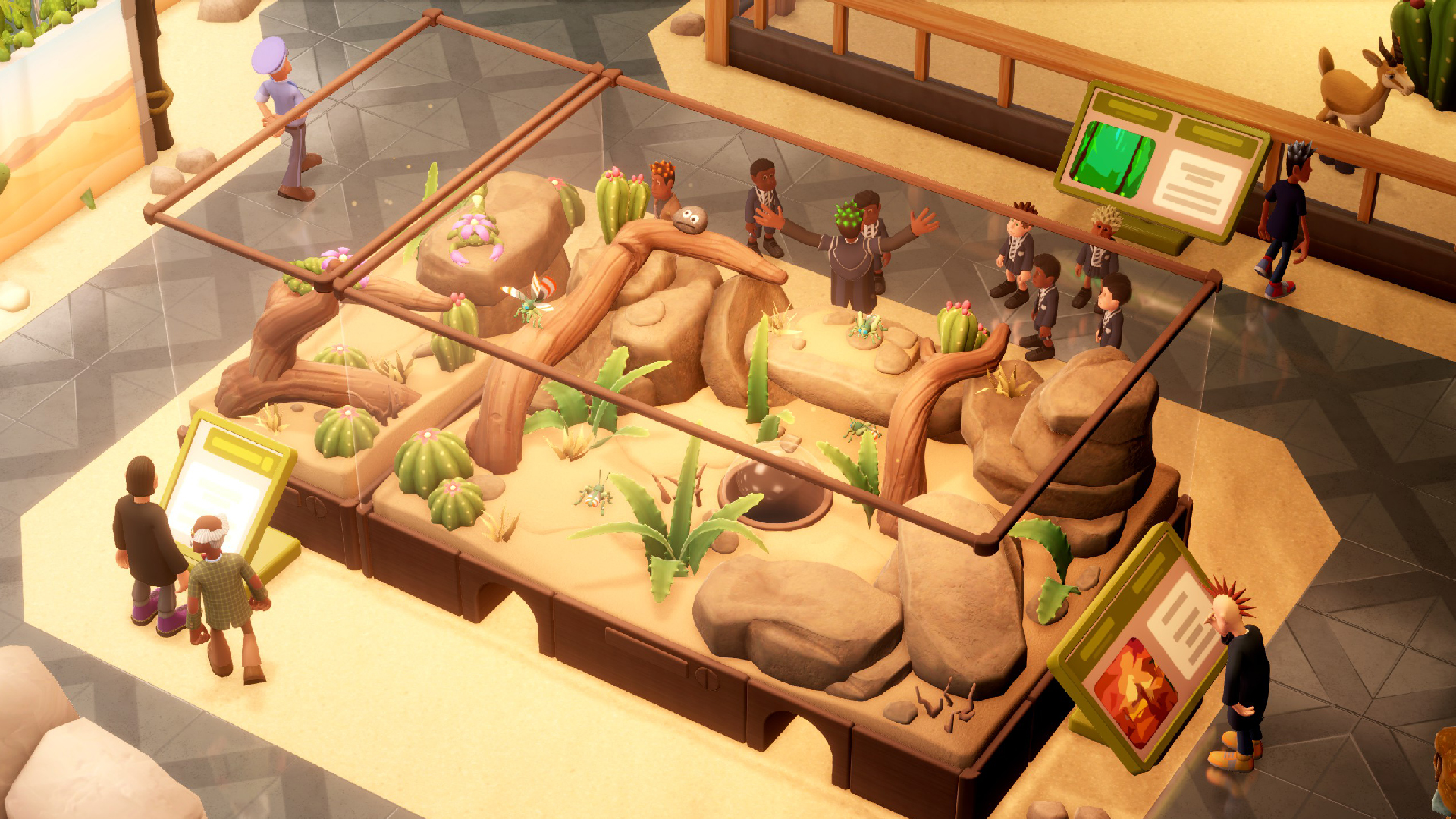
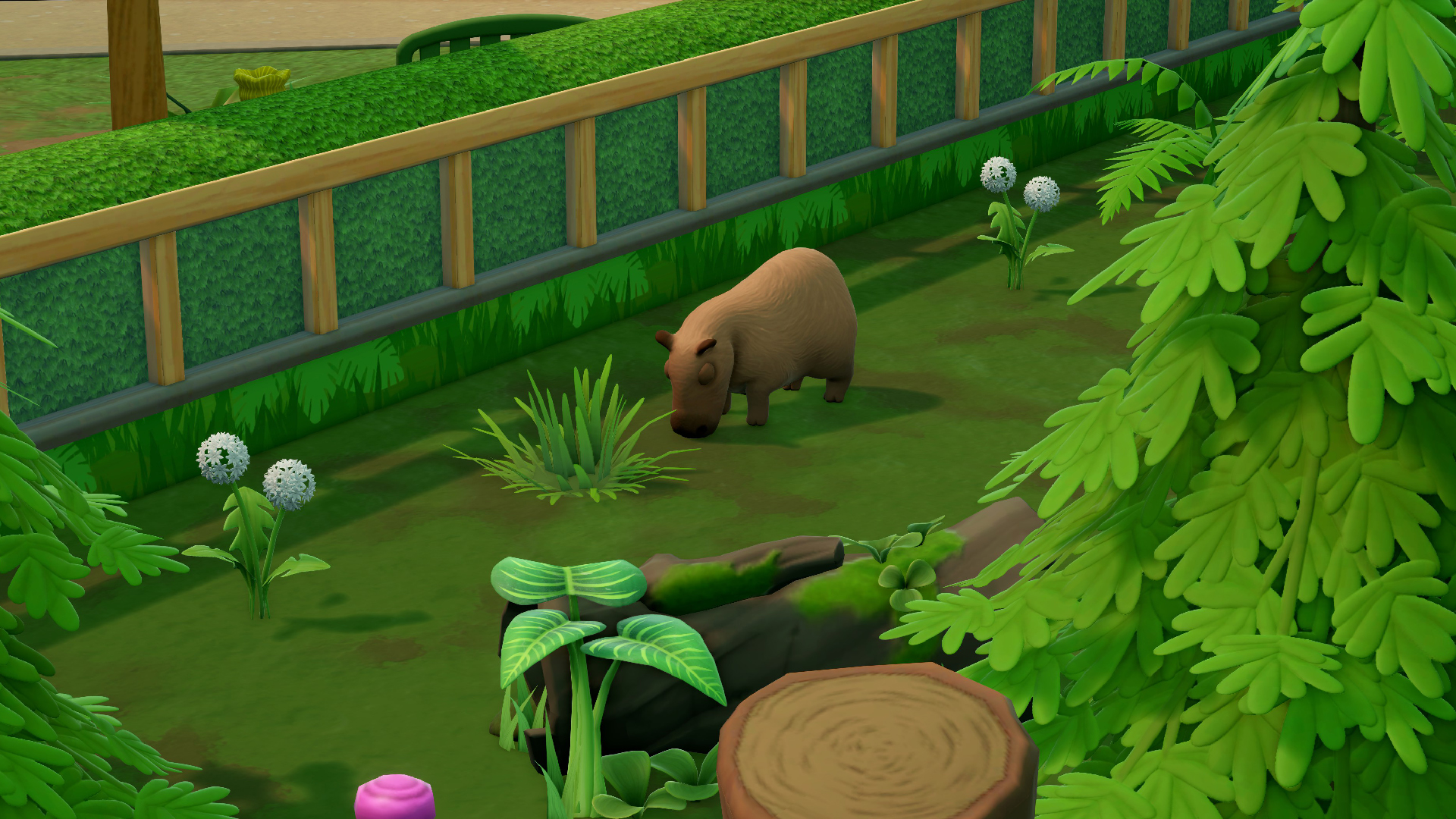
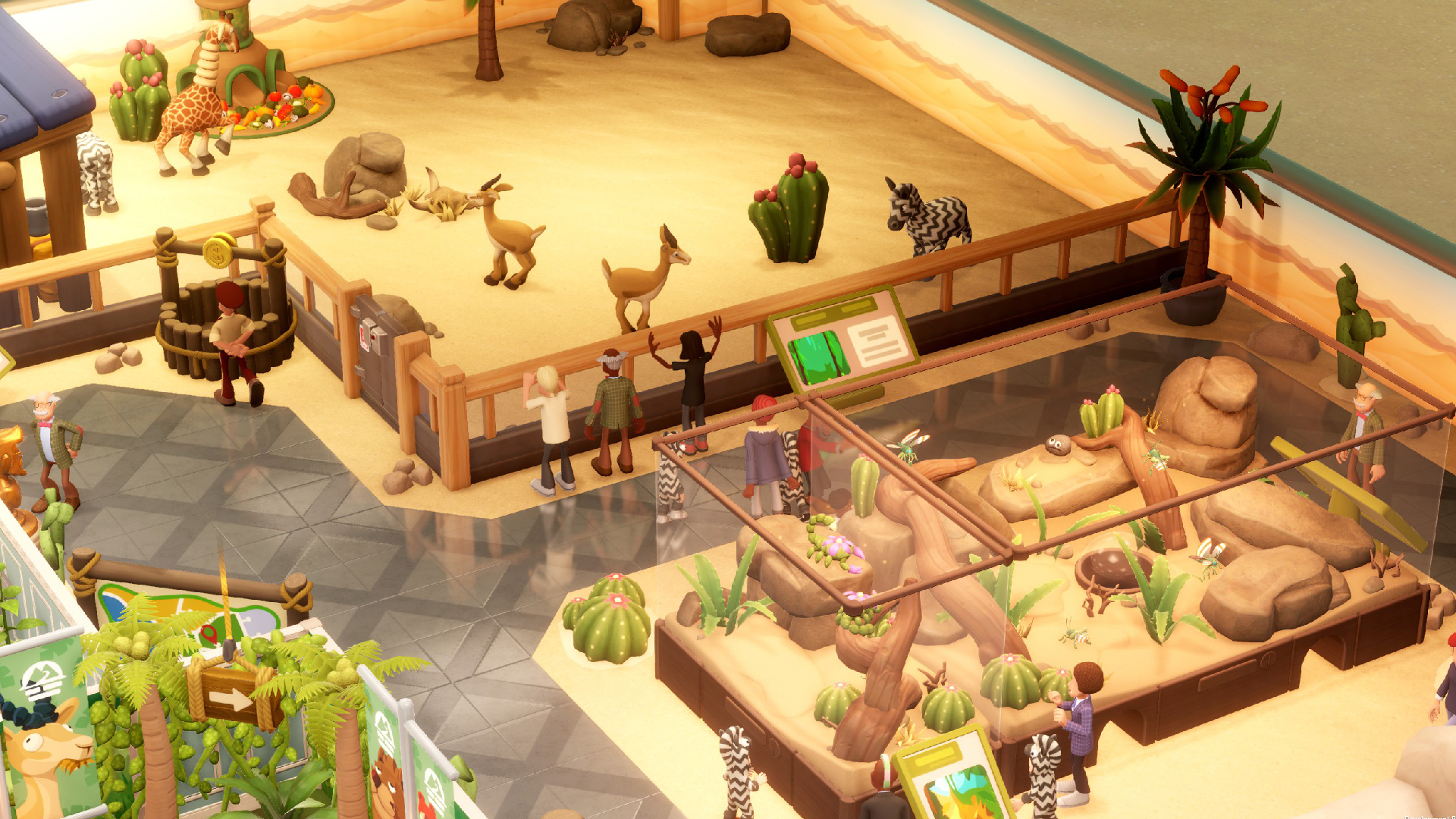
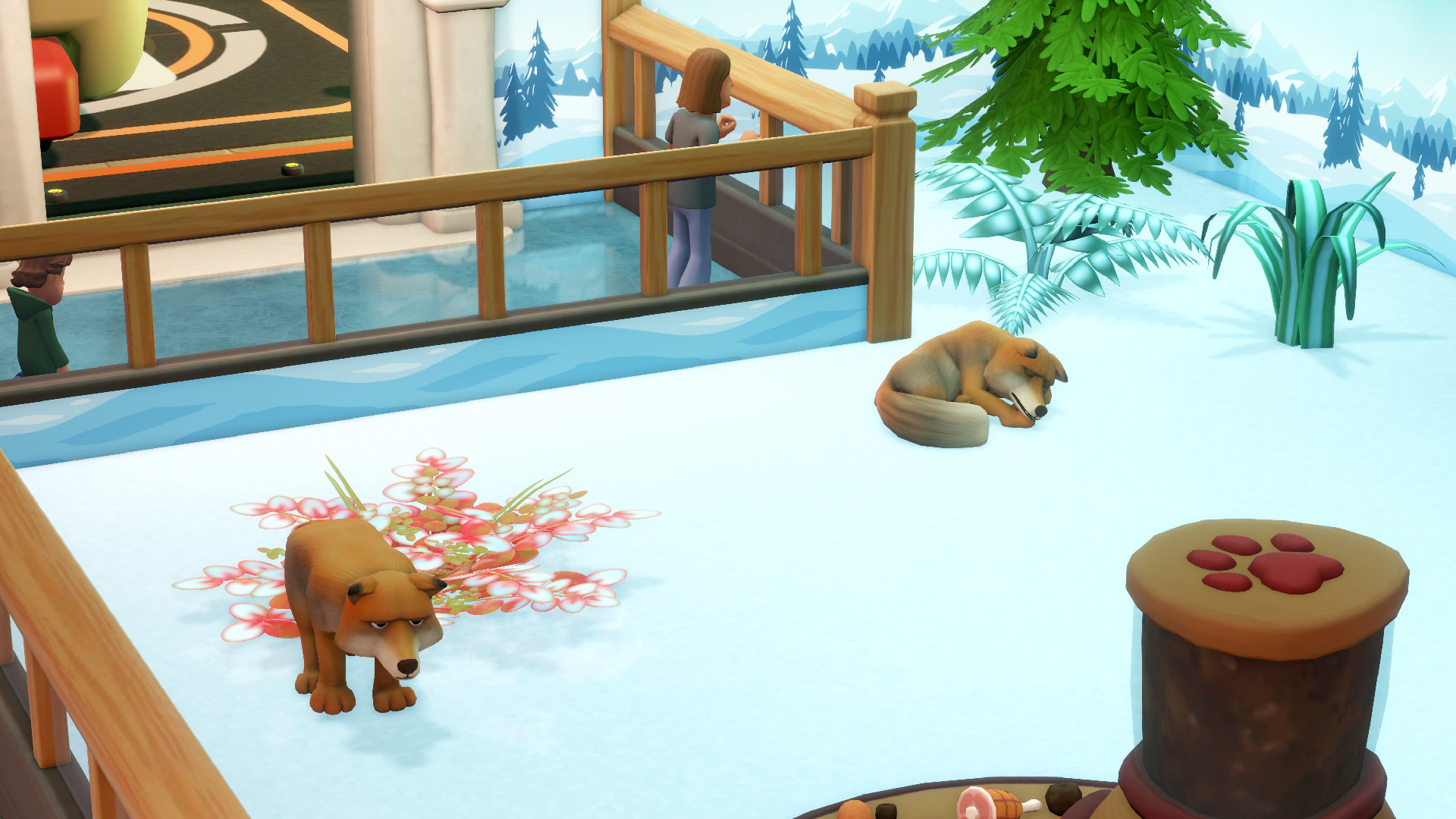
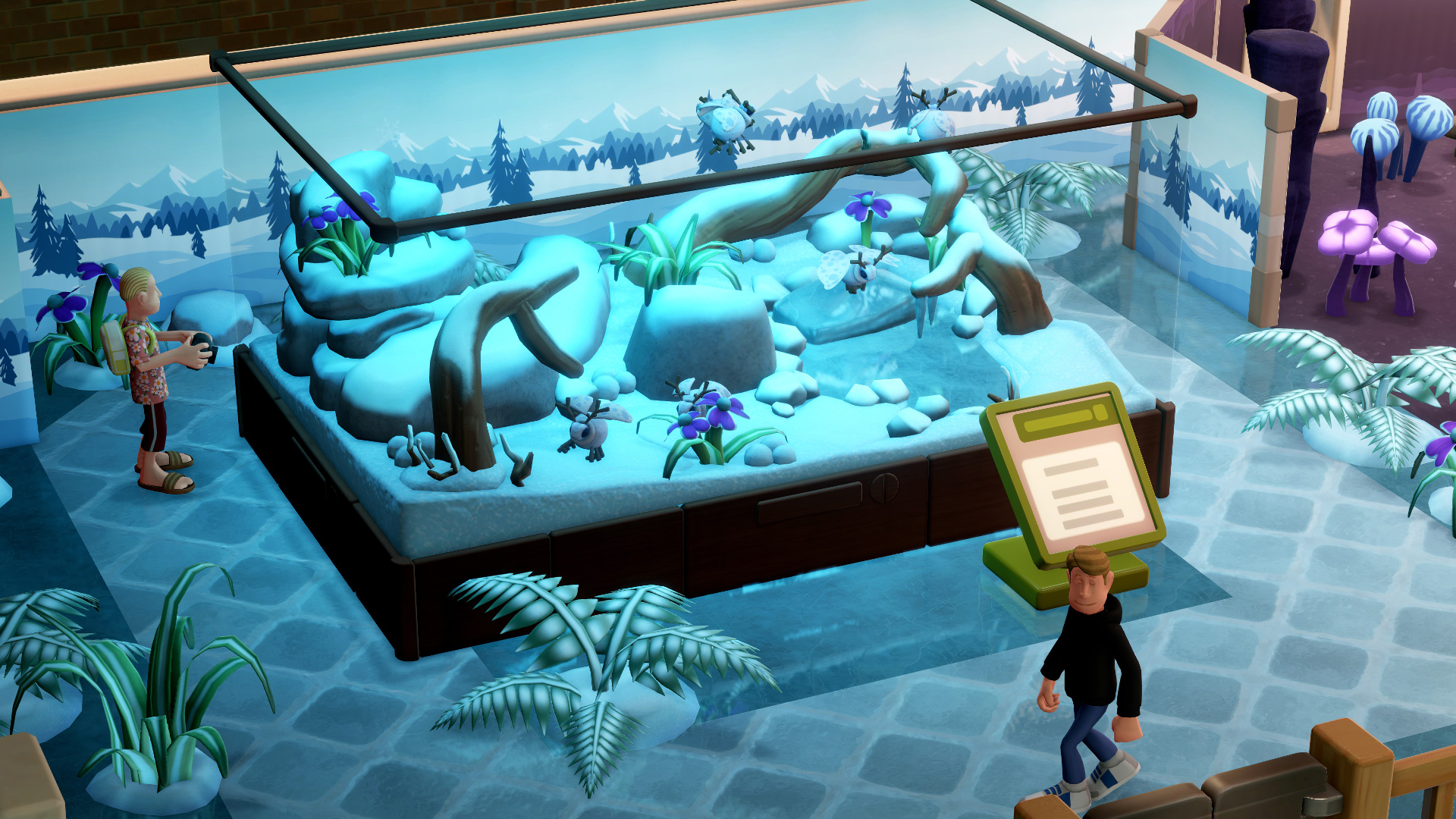
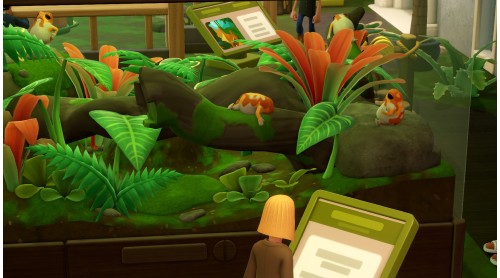
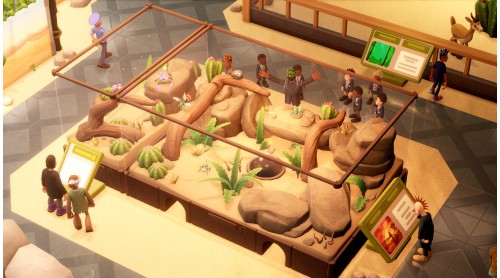
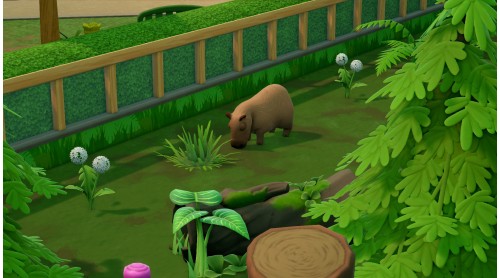
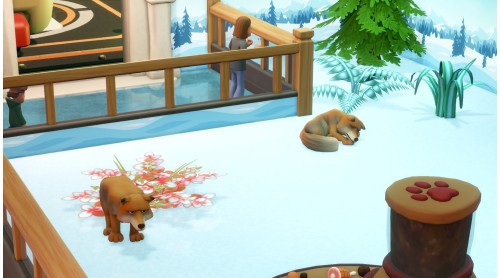
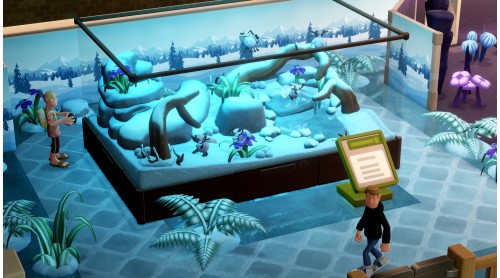
5 biome variants with corresponding flora, fauna and decorations for our habitats and terriariums will need careful upkeep to keep the ecosystems running smoothly. Staff must understand that each creature big and small will have very specific needs for each habitat, and don’t always get along… except the Unflappybara, they live in anywhere with anyone.
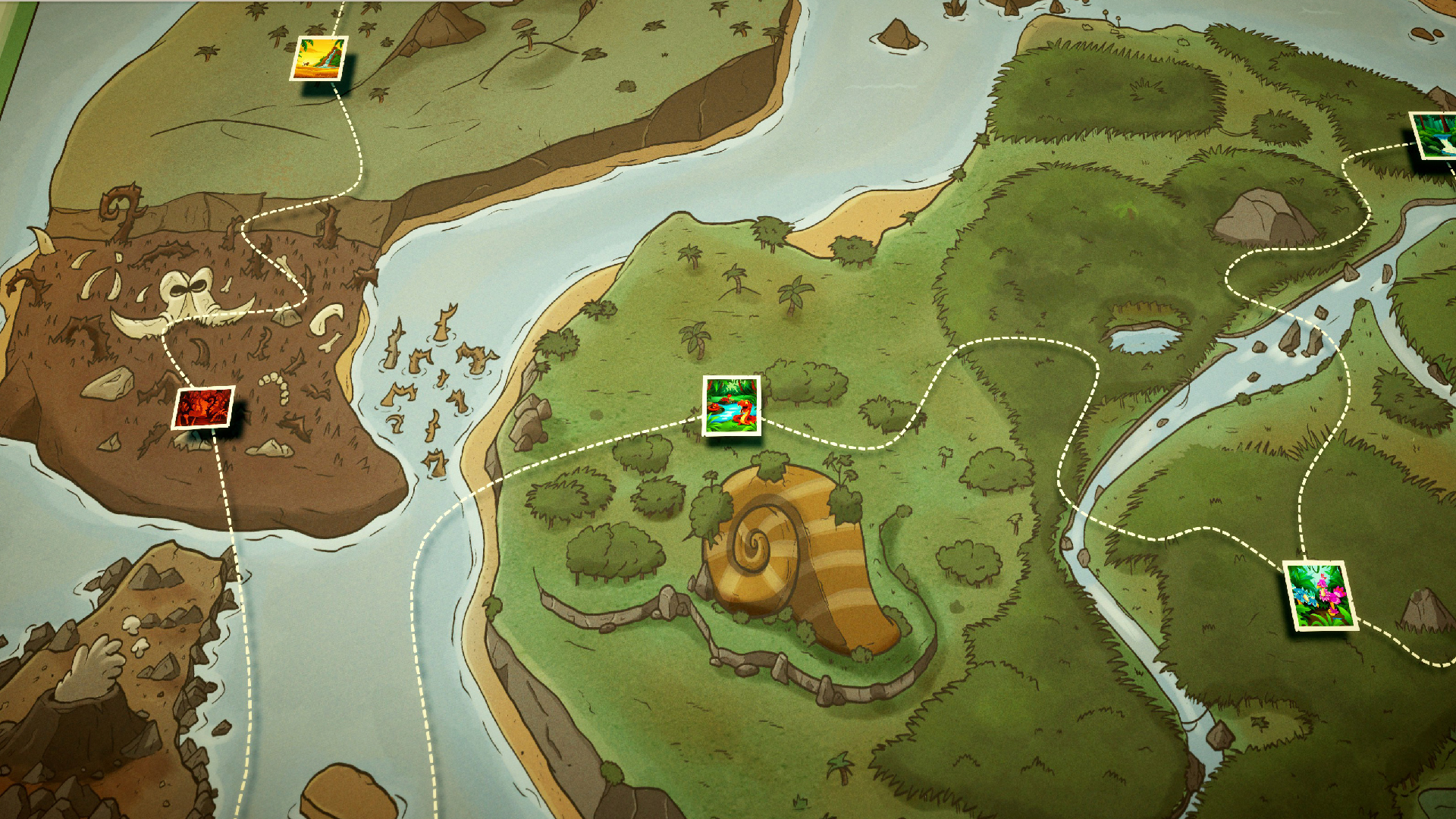
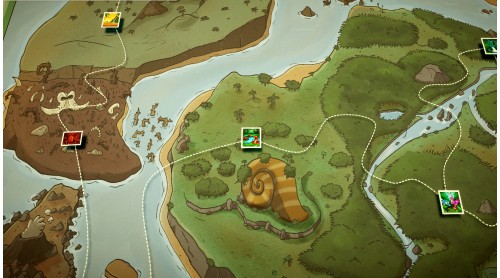
Farflung Isles is diverse but struggling ecosystem and needs your help to heal the animals from Farflung flu. Rereleasing the animals will increase the biodiversity of Farflung Isles and earn Sanctuary Points, which can help the Zooseum adopt more animals in need of care. We expect only a regular amount of injuries will be sustained on expeditions…
APPLY NOW!
©SEGA. All rights reserved. Developed by Two Point Studios. Published by SEGA Europe Limited. TWO POINT and SEGA are registered in the U.S. Patent and Trademark Office. TWO POINT, TWO POINT MUSEUM, the TWO POINT MUSEUM logo and TWO POINT STUDIOS are registered trademarks or trademarks of Two Point Studios Limited or its affiliates. SEGA and the SEGA logo are registered trademarks or trademarks of SEGA CORPORATION. All other trademarks, logos and copyrights are property of their respective owners.


How to activate your Steam key?
1. Open your Steam client. (If you don't have a Steam Client, you can install from here https://store.steampowered.com/about/)
2. Sign in to your Steam account. (If you don't have a Steam Account, you can create from here https://store.steampowered.com/join/)
3. Click “ADD A GAME” button which is at the bottom of the Steam Client.
4. Now select "Activate a product on Steam..."
5. Write or copy-paste your Steam key which you purchased from Gamesforpc.
6. Now your game is in your library.
7. Find your game in your library, select and click install to start your download.